Learn all you need to know to get started with our short videos
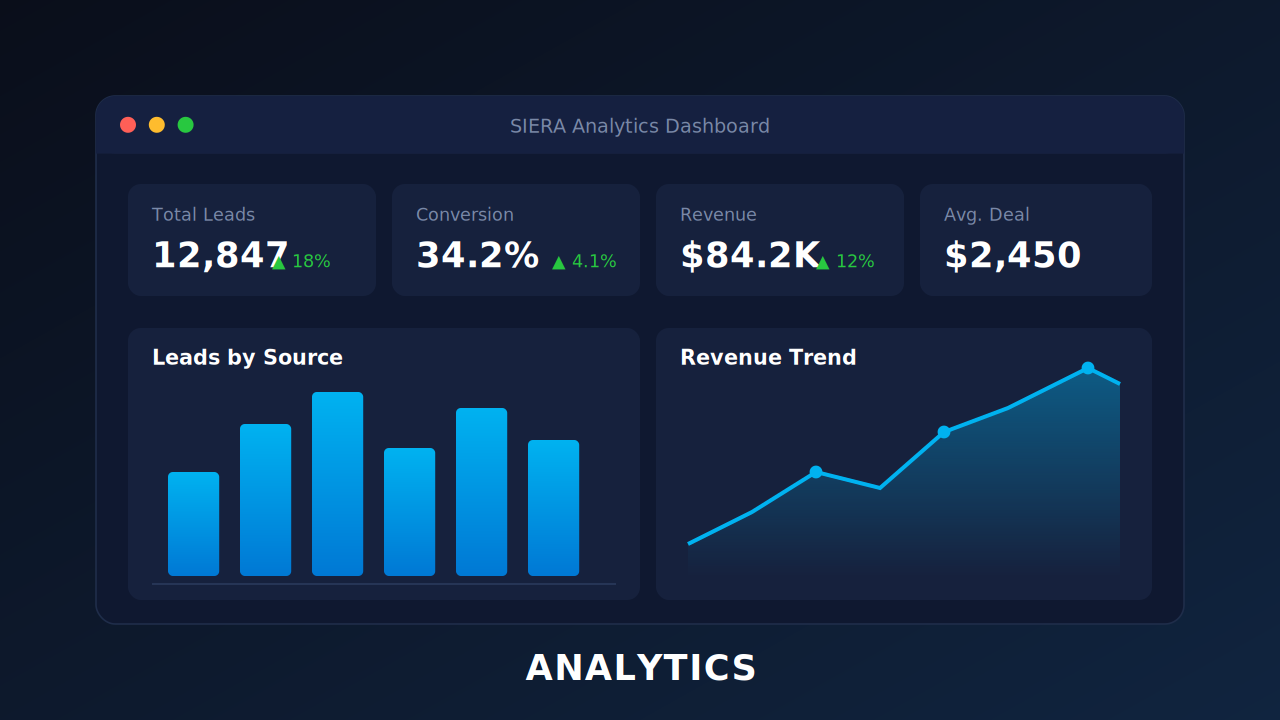
Build Reports, dashboards, track team performance, and turn your CRM data into actionable business insights.
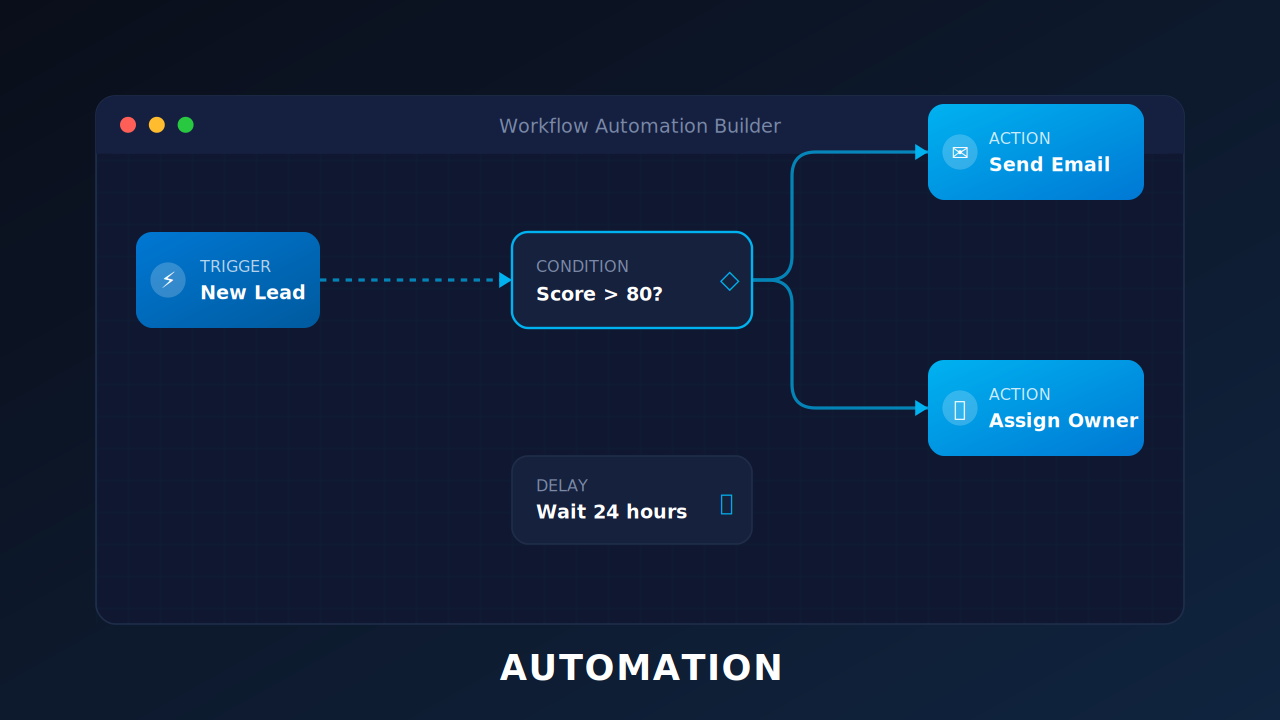
Automate repetitive tasks, trigger workflows, and engage leads at the right time, automatically.
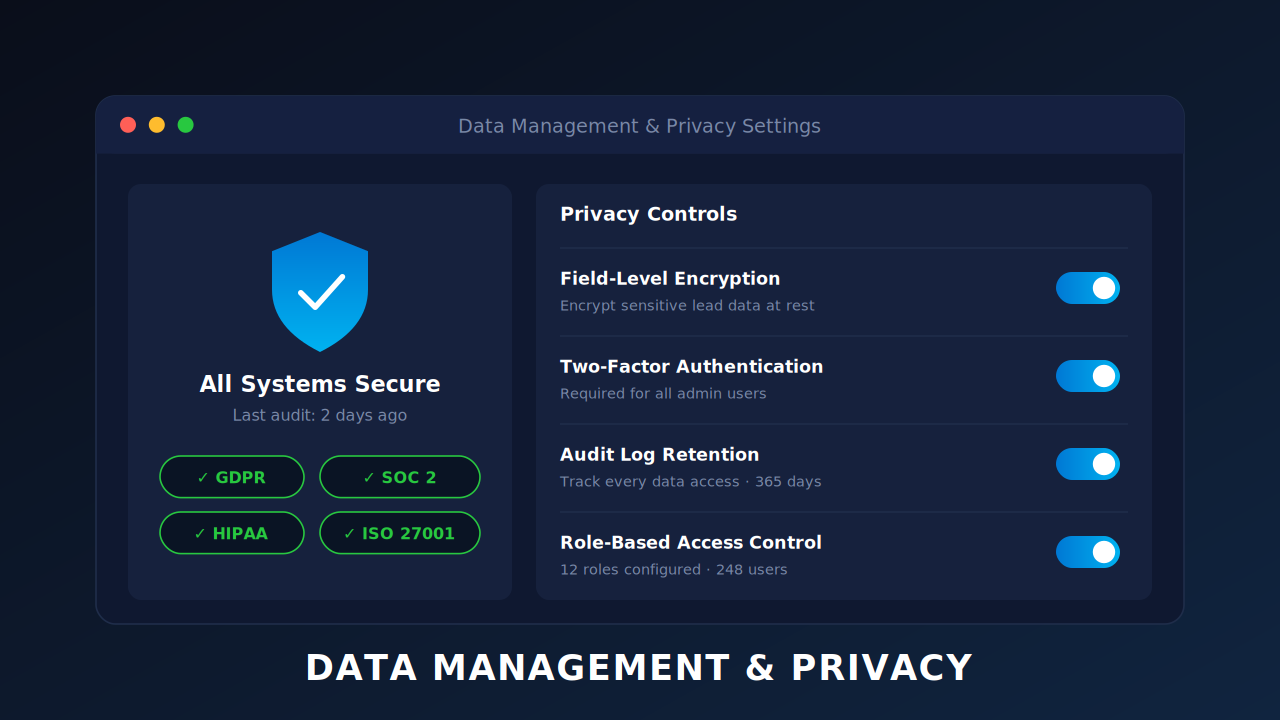
Control data access, manage permissions, and stay compliant with privacy regulations effortlessly.
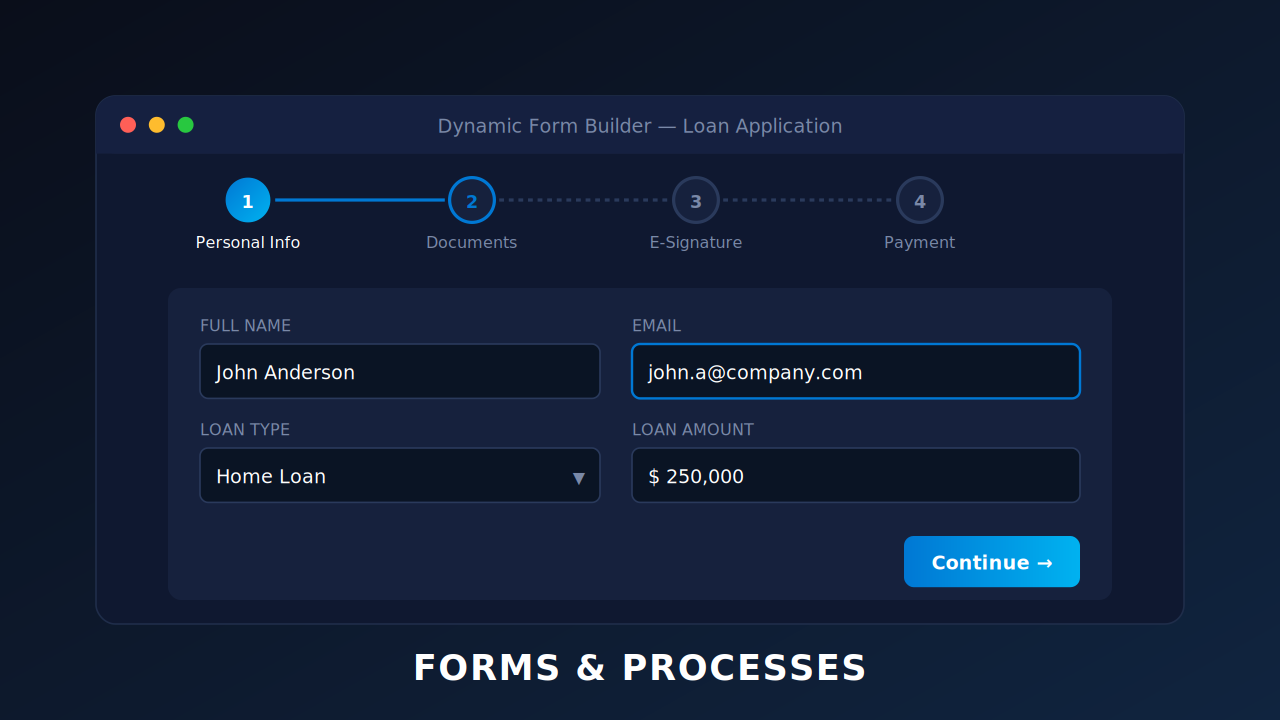
Design dynamic forms and end-to-end processes to capture data, payments, and signatures seamlessly.
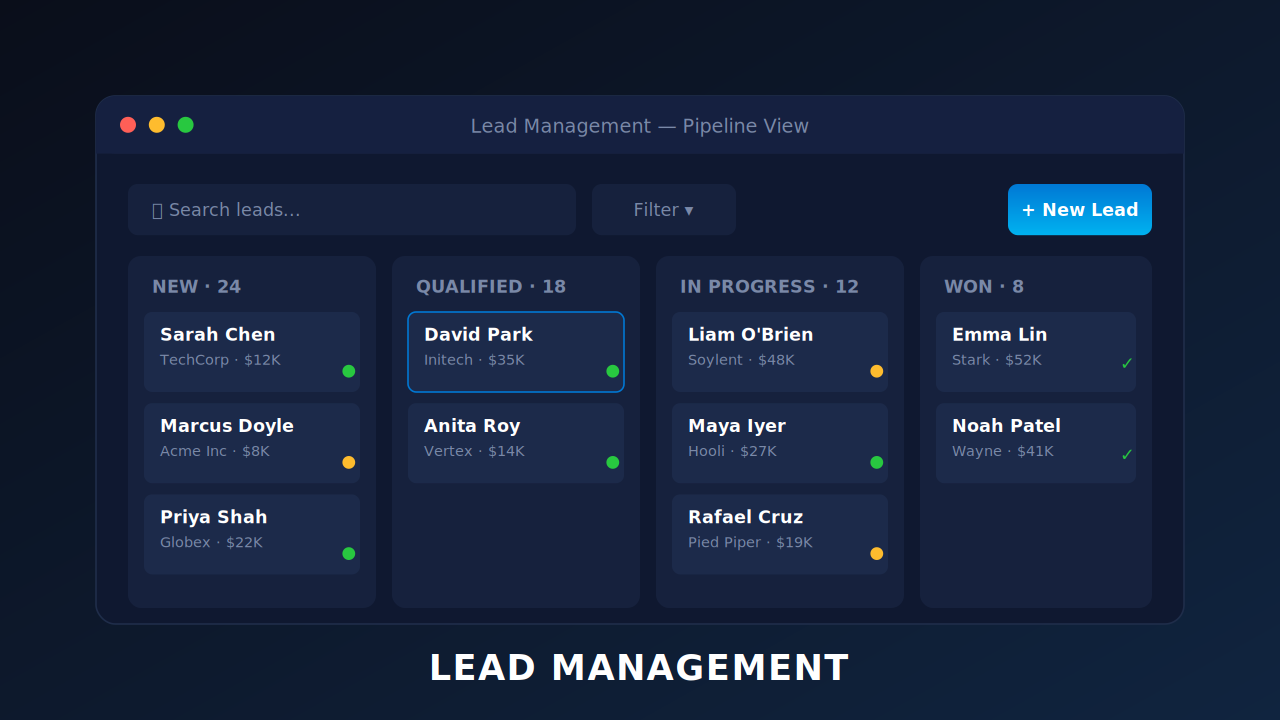
Capture, qualify, and route leads efficiently to keep your sales pipeline moving every day.
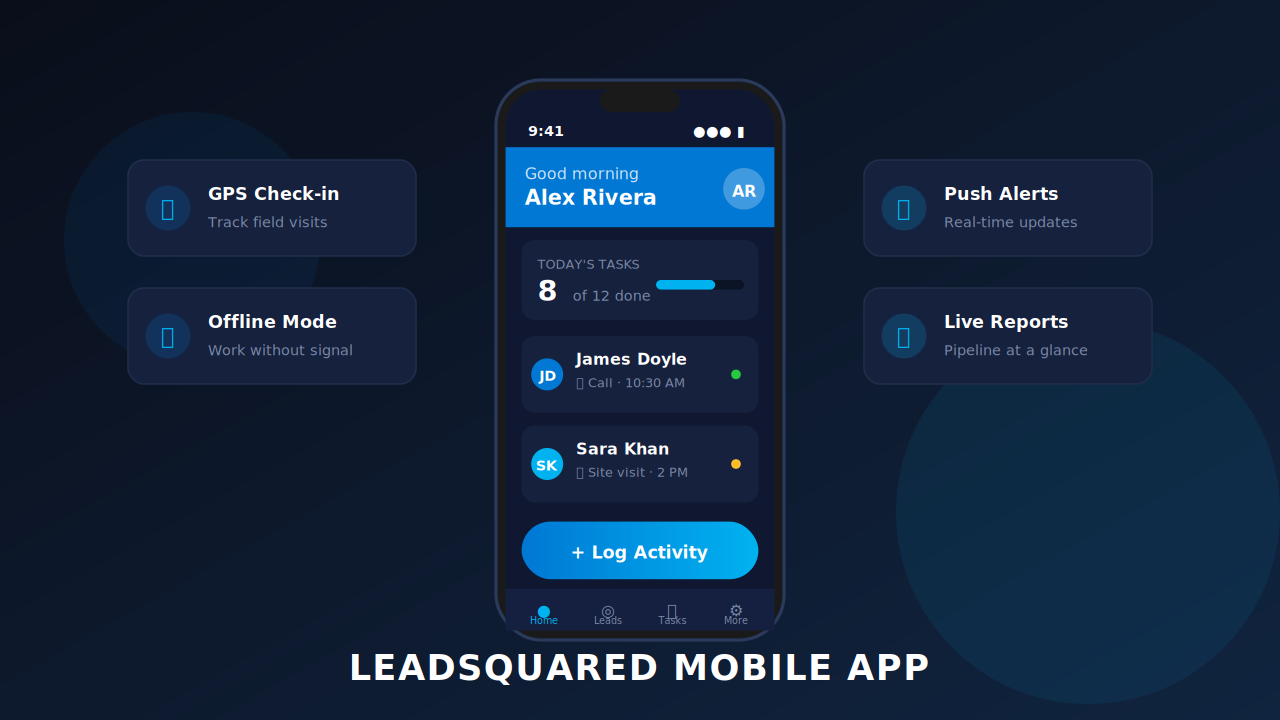
Manage leads, log activities, and close deals on the go from your mobile device.
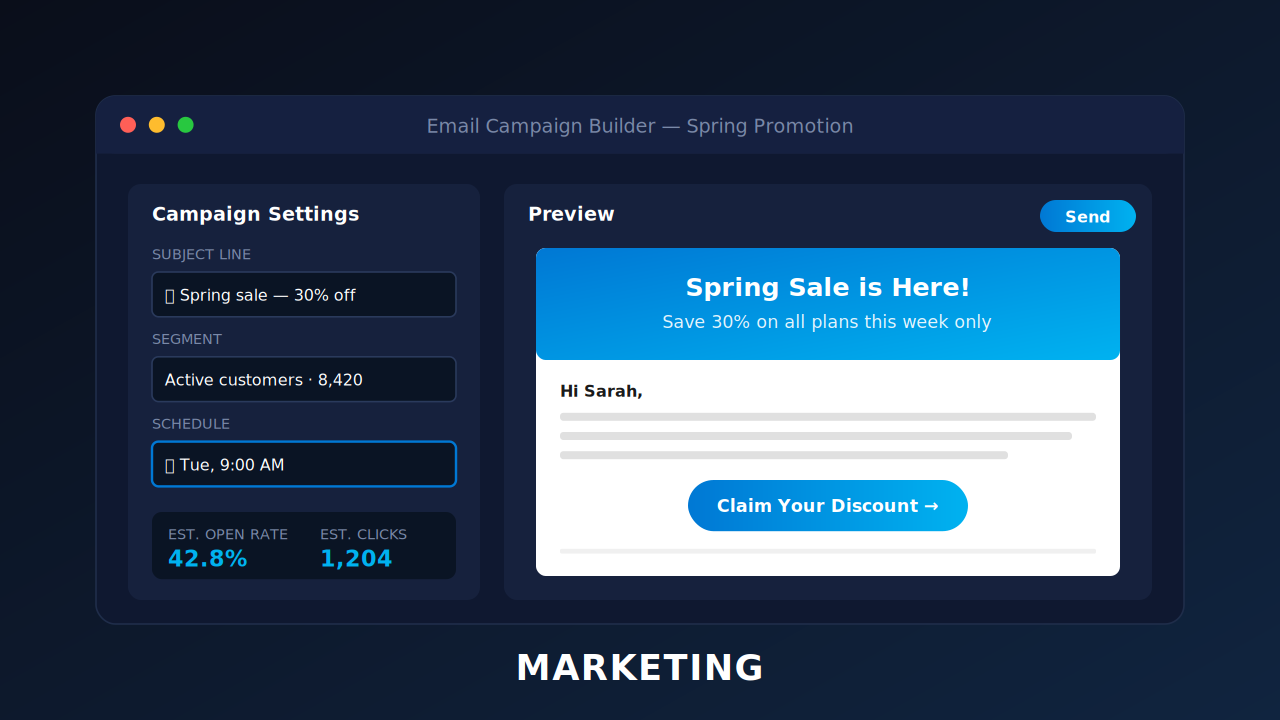
Run email campaigns, landing pages, and nurture journeys to engage prospects at scale.
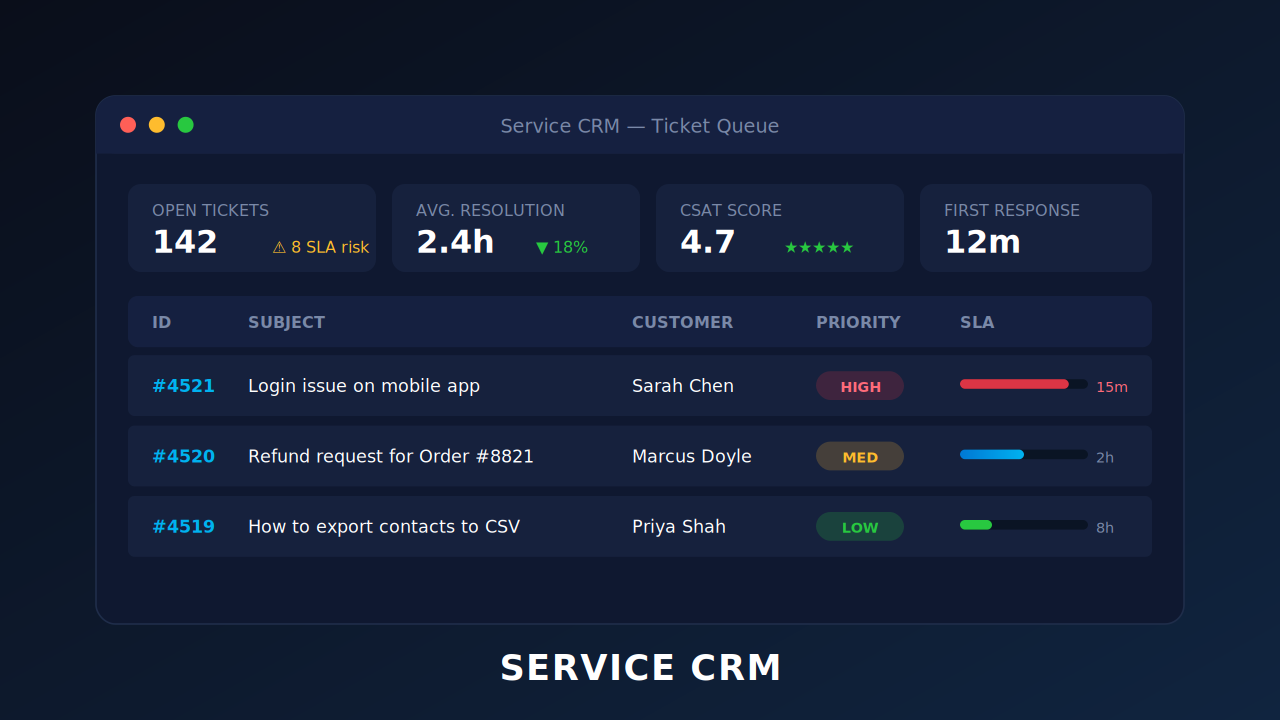
Track tickets, manage SLAs, and deliver consistent customer support across every channel.
The topics covered in this webinar were – Basic security features in LeadSquared IP whitelisting, 2-factor authentication, session management, etc. Managing access rights and permissions to users Securing landing pages from cyber threats Protecting the privacy of your leads Review audit logs Securing API calls in LeadSquared You can also download the presentation deck.
In this webinar, we discussed how to – Initiate phone calls & make outbound calls Capture inbound and outbound calls as activities Send SMS to leads & set up auto-response SMS for missed call activities Access all mobile app call handling reports Use our newest feature – Cloud Calling on web and mobile apps You […]
The key takeaways from this webinar are – Identify which reports are relevant to which user or role Get performance reports for each step of your marketing campaigns Monitor every aspect of sales – funnel, people and revenue Know the sources & salespersons driving revenue for your business You can also download the presentation deck.
The key pointers from this webinar are – Feature overview on web and mobile How to automate check-in and check-out How to set up: location restrictions, time restrictions, geo-fencing How to ensure efficient lead distribution & lead assignment Use case discussions on check-in/check-out You can also download the presentation.
In this webinar, you’ll learn to – Monitor your remote teams working from home Track phone calls/meetings/messages Ensure customer engagement continuity Get insights into the productivity of your teams Ensure work carries on despite bad/no connectivity You can also download the presentation.
In this webinar, we walk you through LeadSquared features that help you work more efficiently from home. We’ll cover – How the Check-in/Check-out feature helps you monitor work from home. Dashlets, Smart Views, and Reports for productivity insights. Setting up automation for escalations and delayed tasks. Security features that help you safeguard data while working […]
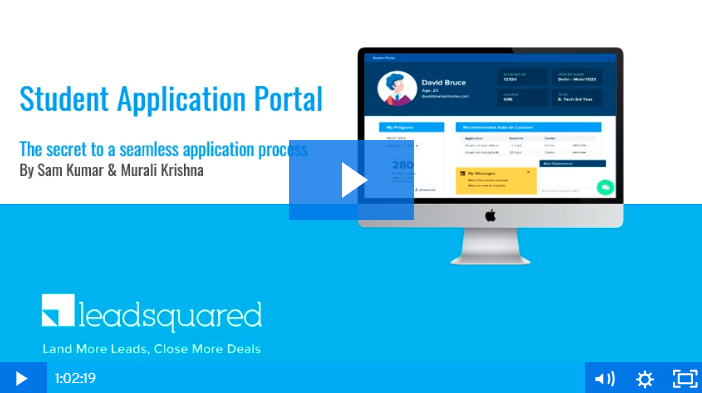
This webinar explores the new ‘Portal’ feature that lets you build self-serve application portals – How to make the application process seamless & paperless Decoding the enquiry to admission journey LeadSquared platform capabilities – admission process, counselor smart views, counselor & publisher dashboard Why your college or university needs an integrated platform to engage students.
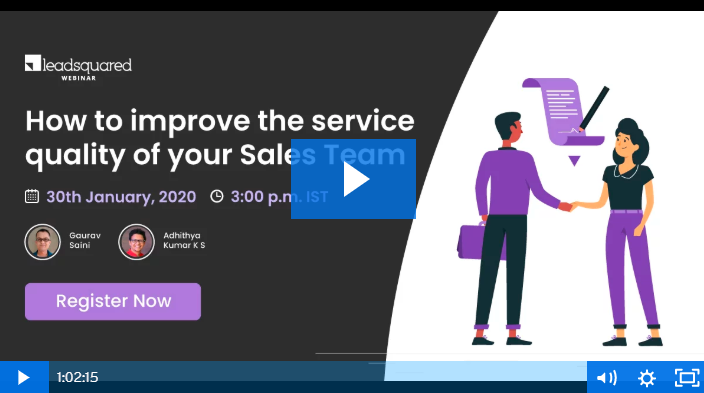
In the webinar, we cover – What is quality management and who is it relevant for? How to assess the quality of your sales calls? Tools that can help you implement a quality management system (QMS) for auditing calls What can you do to reduce manual effort and increase call center productivity?