

LeadSquared Analytics Overview – Reports and Dashboards
Updated
04 May 2026 | 04:58 PM
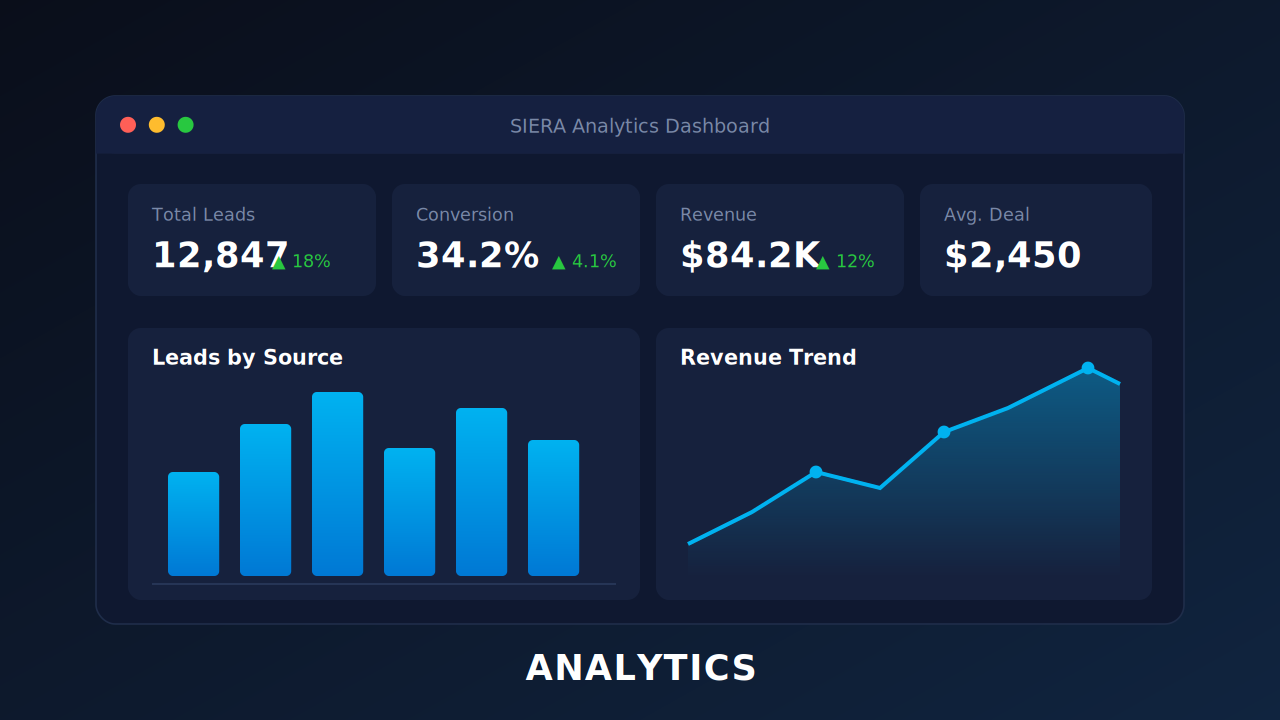
In this quick overview, you’ll learn how to navigate the Analytics section.
What you’ll learn in this video:
- How to use Reports to dig into CRM data and uncover insights
- How to create, filter, and schedule reports for automated delivery
- How to design Dashboards with charts, tables, KPIs, and global filters
- How to manage visibility with Profiles, ensuring the right users see the right data
- How to pin, share, and export reports & dashboards with ease
In This Playlist
4 videos
How to Create Subqueries and Custom Expressions in LeadSquared Analytics
How to Create Subqueries and Custom Expressions in LeadSquared Analytics
April 28, 2026
2:37 mins
How to Create a Report in LeadSquared
How to Create a Report in LeadSquared
April 28, 2026
3:03 mins

Leave a Reply
Want to join the discussion?Feel free to contribute!