

Smart Views in LeadSquared
Updated
05 May 2026 | 01:16 PM
Learn how to use Smart Views in LeadSquared — a centralized workspace to manage your leads, accounts, opportunities, activities, and tasks in one place. In this video, we cover how to:
- Create and customize Smart View tabs using filters and conditions
- Use default tabs and set up your own
- Switch between top and side panel views
- Manage columns and pin frequently used filters
- Subscribe to daily Smart Views reports
In This Playlist
4 videos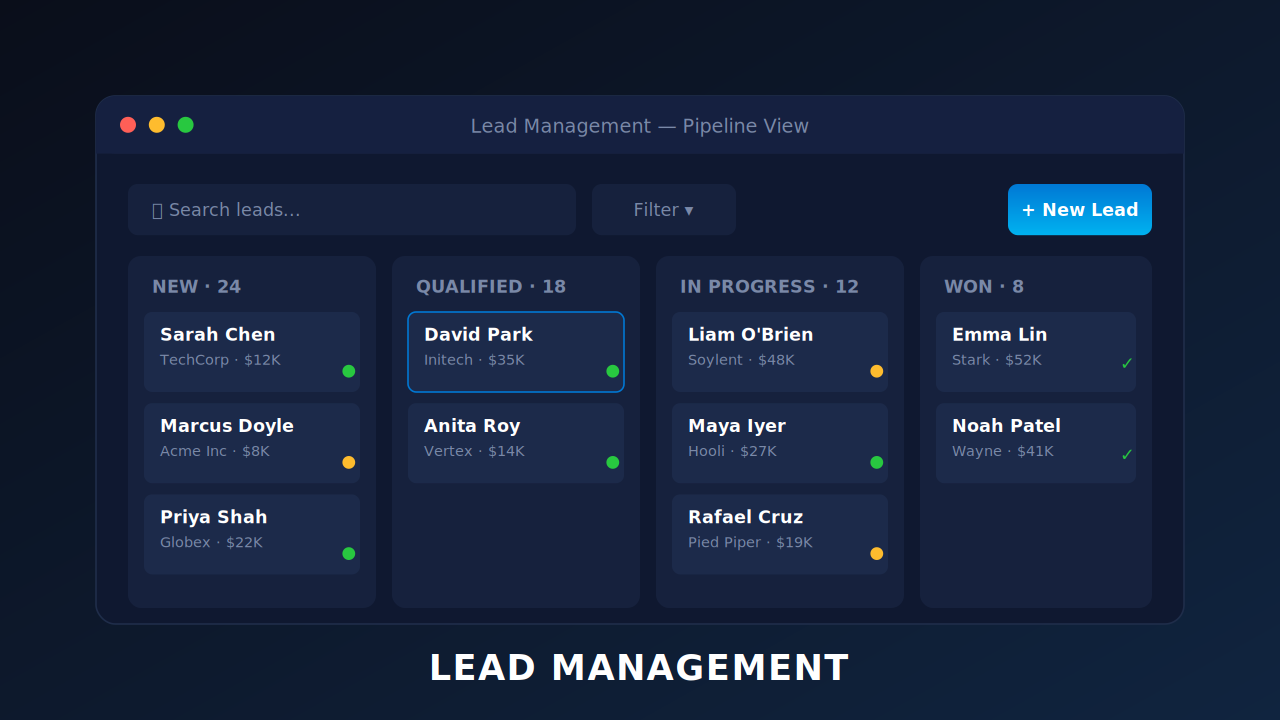
How to Deploy the LeadSquared Tracking Script on Your Website?
How to Deploy the LeadSquared Tracking Script on Your Website?
July 24, 2023
14:34 mins
Managing Lead Access Across Groups – Group Hierarchies
Managing Lead Access Across Groups – Group Hierarchies
February 15, 2018
9:31 mins
Leave a Reply
Want to join the discussion?Feel free to contribute!