

How to Add Hyperlinks to Your Emails in LeadSquared
Updated
28 Apr 2026 | 11:52 AM
Nothing builds trust with your leads like sending them useful content. Hyperlinks in emails allow you to quickly direct the email recipients to this content – be it on a landing page or a web page.
This quick tutorial helps you to understand how to add Hyperlinks to your Emails in LeadSquared. (You need to be on Step 2: Compose Message of creating your email campaigns to use this tutorial.)
In This Playlist
7 videos
How to Structure and Align Your Emails Better in LeadSquared
How to Structure and Align Your Emails Better in LeadSquared
October 18, 2016
13:27 mins
How to Easily Resend Emails to New Leads
How to Easily Resend Emails to New Leads
October 18, 2016
8:37 mins
How to Change Fonts to Make Your Emails More Readable

How to Change Fonts to Make Your Emails More Readable
October 18, 2016
14:59 mins
How to Create Recipient and Suppression Lists for Your Emails
How to Create Recipient and Suppression Lists for Your Emails
October 18, 2016
7:16 mins
How to Attach Documents to Your Emails with LeadSquared
How to Attach Documents to Your Emails with LeadSquared
October 18, 2016
12:22 mins
How to Improve Look and Feel of Your Emails with LeadSquared
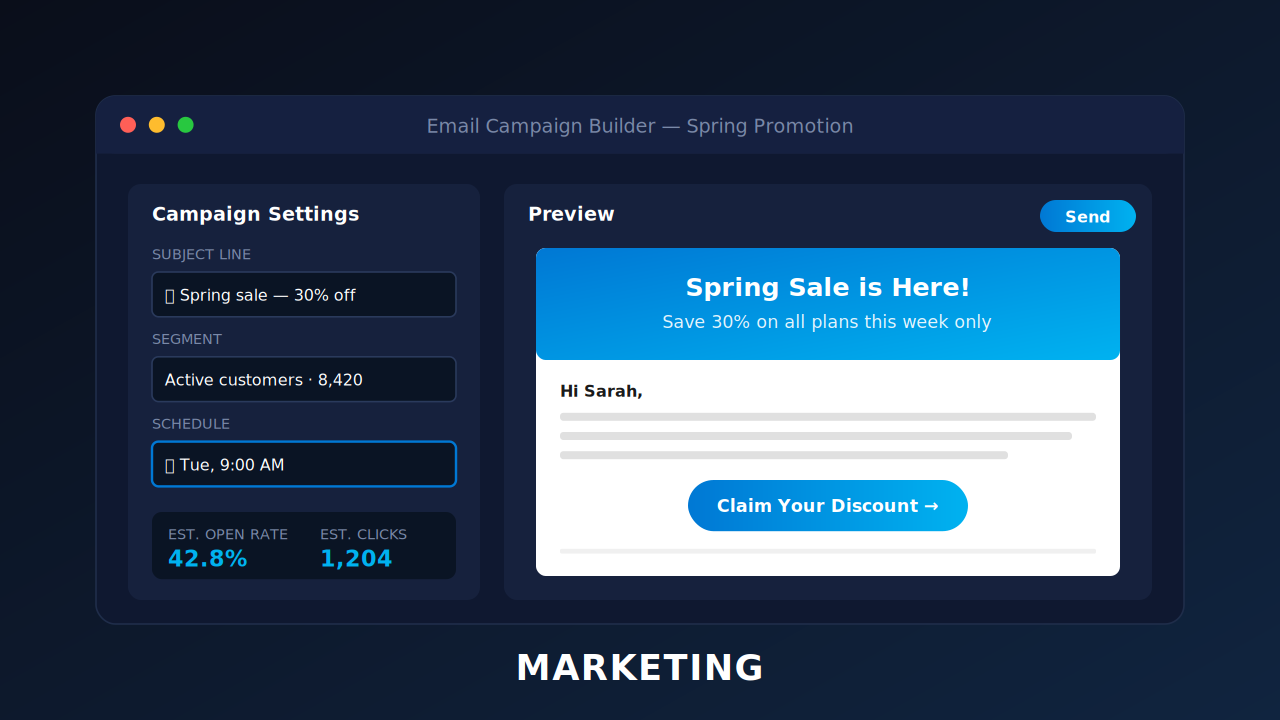
How to Improve Look and Feel of Your Emails with LeadSquared
October 18, 2016
4:29 mins


Leave a Reply
Want to join the discussion?Feel free to contribute!