

How to Easily Resend Emails to New Leads
Updated
28 Apr 2026 | 11:51 AM
If you hate redoing the same work again and again, this nifty little hack is for you. What happens if you have sent out a great campaign to your lead list and a few days later new lead gets added to that list? Well, you don’t have to set up the whole campaign again – just one click would do.
This tutorial would show you how to easily resend your emails to new leads.
In This Playlist
7 videos
How to Structure and Align Your Emails Better in LeadSquared
How to Structure and Align Your Emails Better in LeadSquared
October 18, 2016
9:57 mins
How to Change Fonts to Make Your Emails More Readable

How to Change Fonts to Make Your Emails More Readable
October 18, 2016
4:47 mins
How to Create Recipient and Suppression Lists for Your Emails
How to Create Recipient and Suppression Lists for Your Emails
October 18, 2016
10:12 mins
How to Add Hyperlinks to Your Emails in LeadSquared
How to Add Hyperlinks to Your Emails in LeadSquared
October 18, 2016
15:33 mins
How to Attach Documents to Your Emails with LeadSquared
How to Attach Documents to Your Emails with LeadSquared
October 18, 2016
10:49 mins
How to Improve Look and Feel of Your Emails with LeadSquared
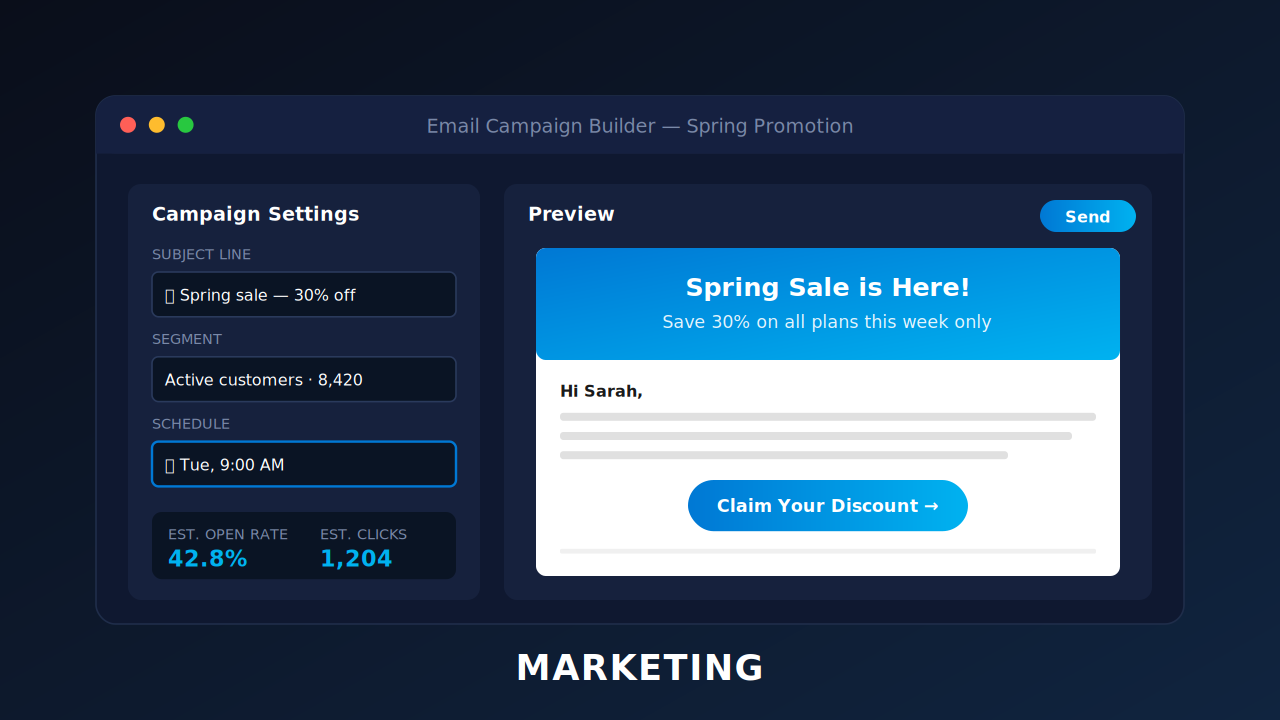
How to Improve Look and Feel of Your Emails with LeadSquared
October 18, 2016
12:10 mins


Leave a Reply
Want to join the discussion?Feel free to contribute!