

Service CRM on the LeadSquared Mobile App – Agents Walkthrough
Updated
05 May 2026 | 01:14 PM
With LeadSquared Service CRM on the mobile app, agents can manage and resolve customer tickets anytime, anywhere.
In this video, learn how to view, create, manage, and close tickets directly from the LeadSquared mobile app. Explore different ticket views, apply filters to quickly find the tickets you need, and take quick actions such as assigning tickets, updating status, adding notes, and closing resolved cases.
The video also walks through the Ticket Details screen, where you can view customer conversations, attachments, ticket properties, and customer information, all from your phone.
Stay responsive, resolve issues faster, and deliver seamless customer support on the go with LeadSquared Service CRM.
In This Playlist
5 videos
Sentiment-based Ticket Escalation Workflows
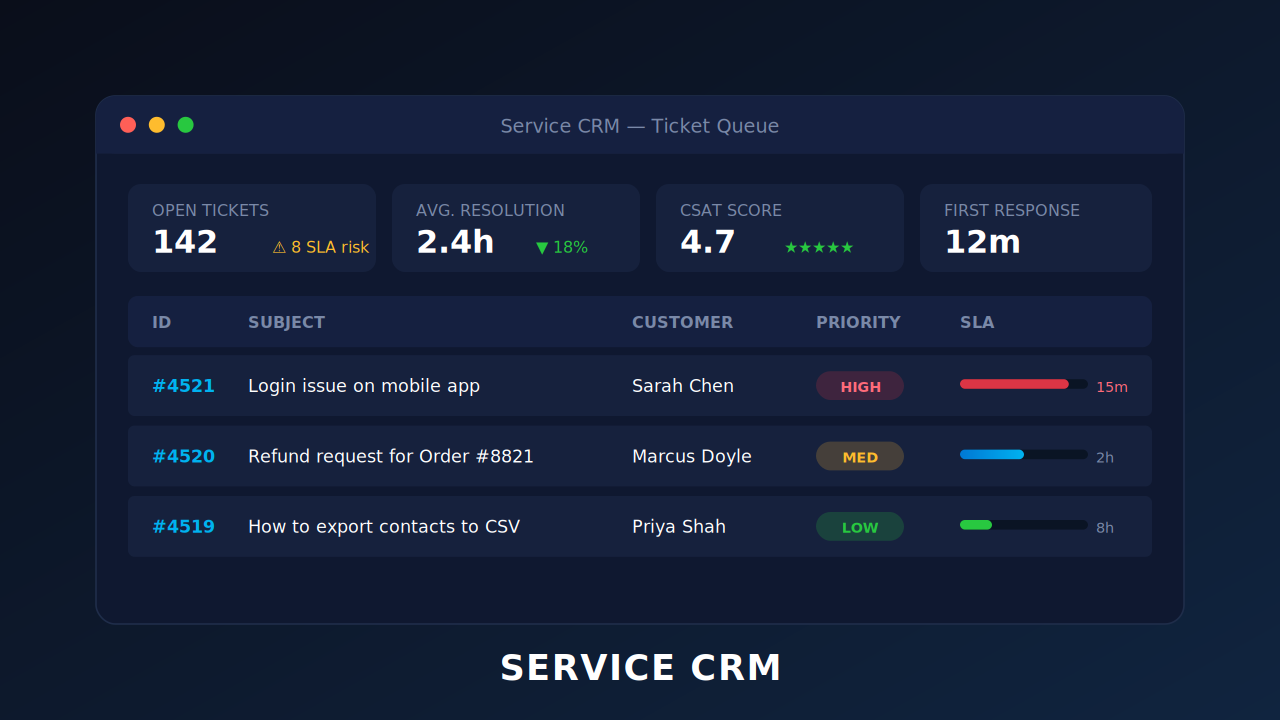
Sentiment-based Ticket Escalation Workflows
April 28, 2026
0:50 mins
Introducing Service CRM on LeadSquared NextGen
Introducing Service CRM on LeadSquared NextGen
April 28, 2026
1:48 mins
Service CRM on the LeadSquared Mobile App – Admin Set-up
Service CRM on the LeadSquared Mobile App – Admin Set-up
April 28, 2026
1:27 mins
Leave a Reply
Want to join the discussion?Feel free to contribute!