

Service CRM on the LeadSquared Mobile App – Admin Set-up
Service CRM is LeadSquared’s end-to-end, omnichannel customer support suite that helps teams resolve service requests faster and improve customer satisfaction. By bringing marketing, sales, and service insights together in one place, agents get the full context they need to support customers effectively.
In this video, learn how Admins can enable Service CRM on the LeadSquared mobile app. Once Service CRM is enabled on your account, simply add the Tickets menu to the mobile navigation and your agents can start managing assigned tickets right from their phones.
The video also walks you through setup using both the Legacy Mobile App Builder and Casa Menu Builder.
Enable Service CRM on the mobile app and empower your service teams to manage tickets, respond faster, and deliver better customer experiences from anywhere.
In This Playlist
5 videos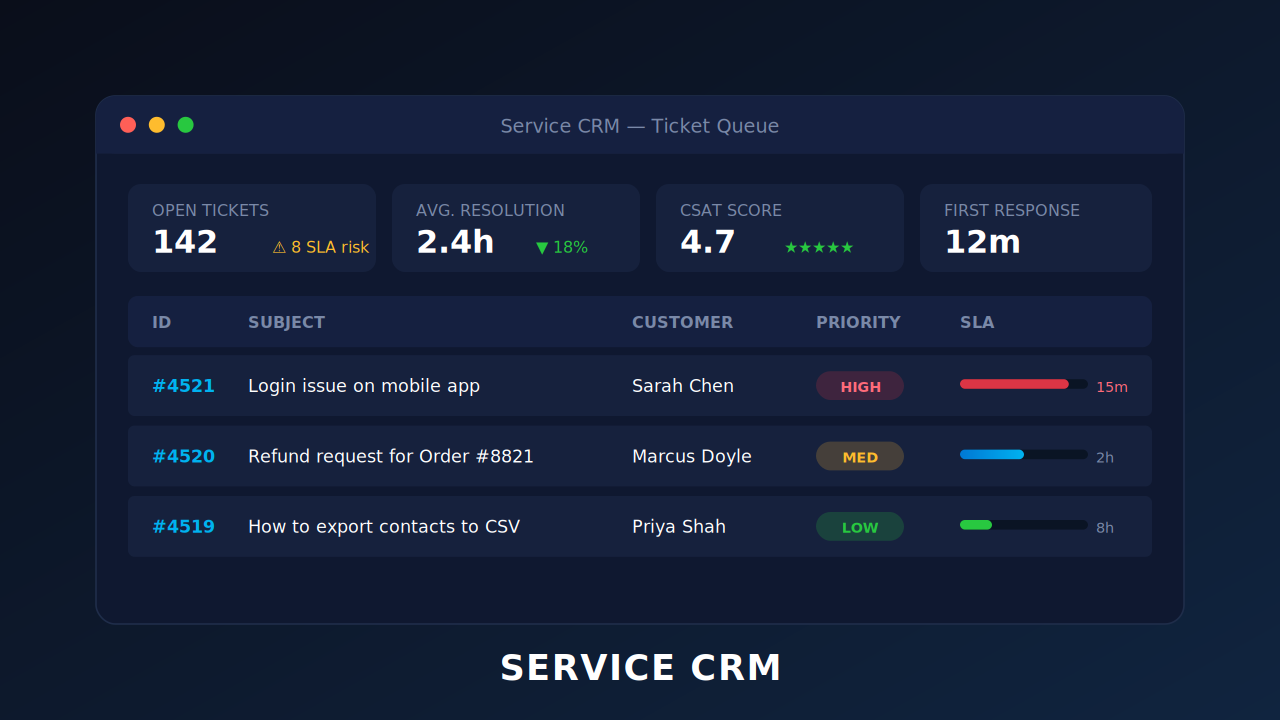
Sentiment-based Ticket Escalation Workflows
April 28, 2026
Service CRM on the LeadSquared Mobile App – Agents Walkthrough
April 28, 2026
Leave a Reply
Want to join the discussion?Feel free to contribute!