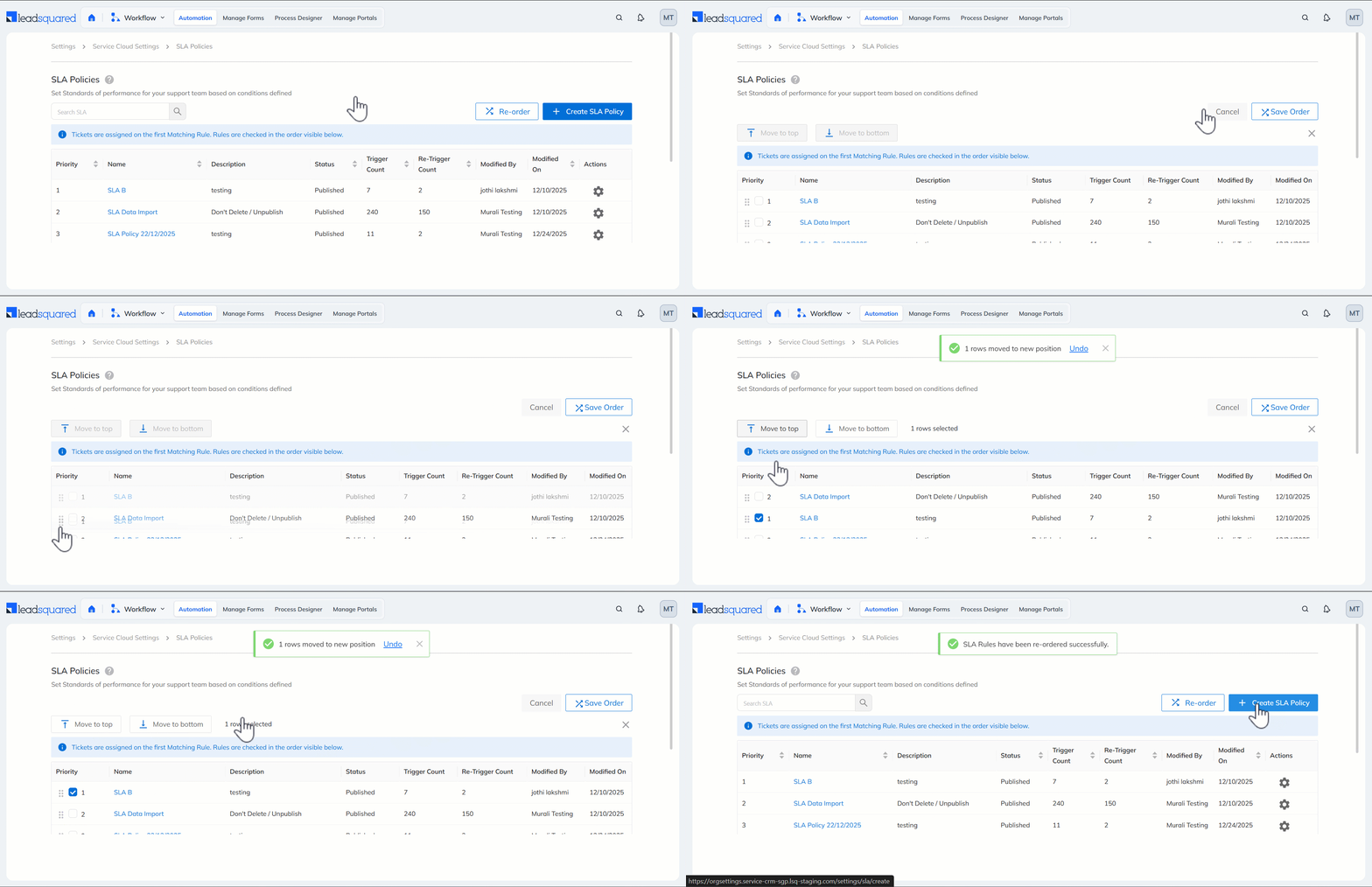
Reorder SLAs by Priority
You can now reorder the SLAs Policies in your account to define their order of priority. The system evaluates the top SLA first and, if its conditions are not met, automatically moves to the next SLA, ensuring the most relevant SLA is applied to each ticket.
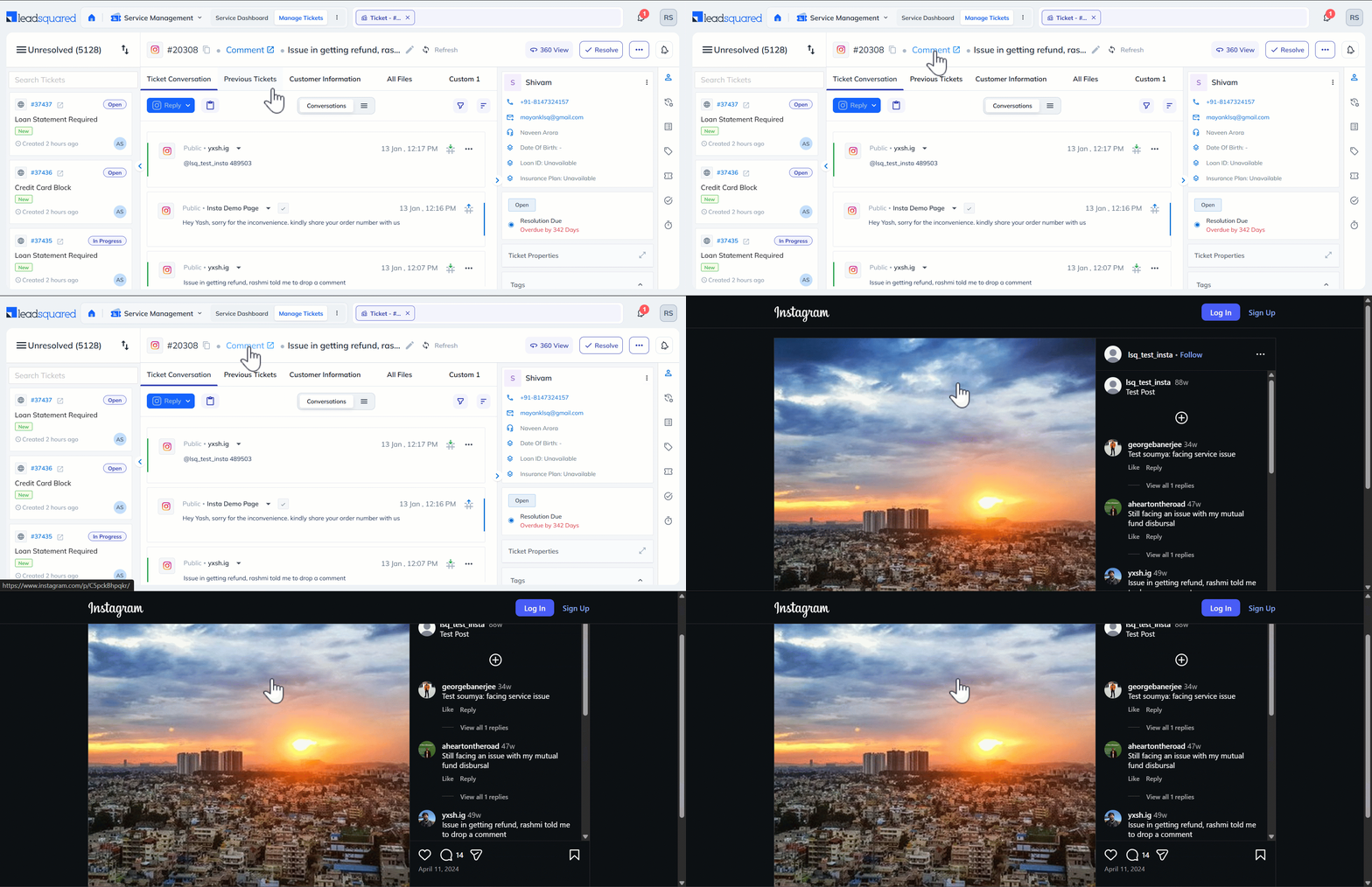
Instagram Permalink Support for Tickets
Tickets created through Instagram comments now include permalinks. Clicking the link redirects you to the Instagram post where the comment that created the ticket appears, making it easier to view the original context.
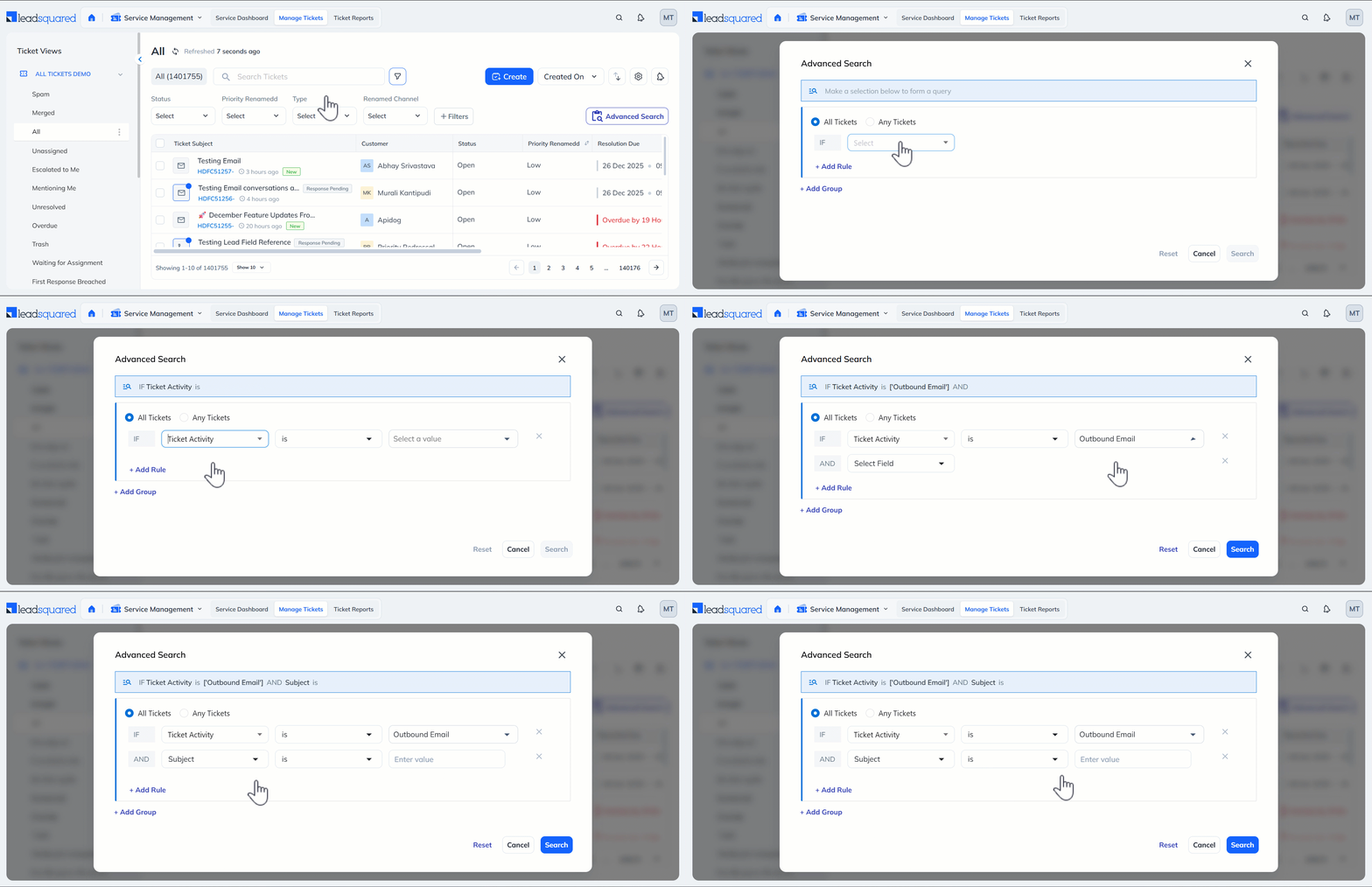
Email Activity Filters in Advanced Search
Service Admins and Agents can now search and filter tickets by Email Activities (such as Inbound Email, Outbound Email, etc.) directly from the Advanced Search screen on the Ticket Views Page, helping them quickly find relevant tickets.
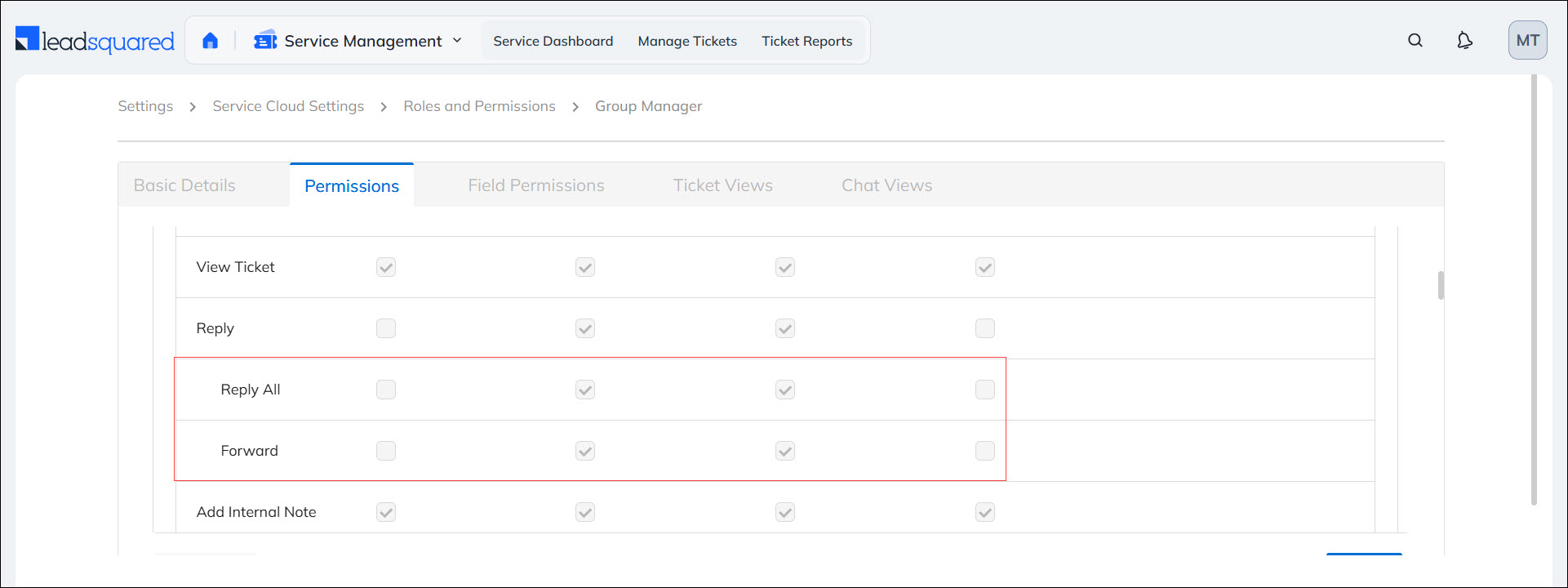
Control Reply All and Forward Actions on Ticket Emails
Admins can now manage user permissions for Reply All and Forward actions on ticket emails through User Roles and Permissions. This ensures that email communication is controlled, and privacy policies are maintained.
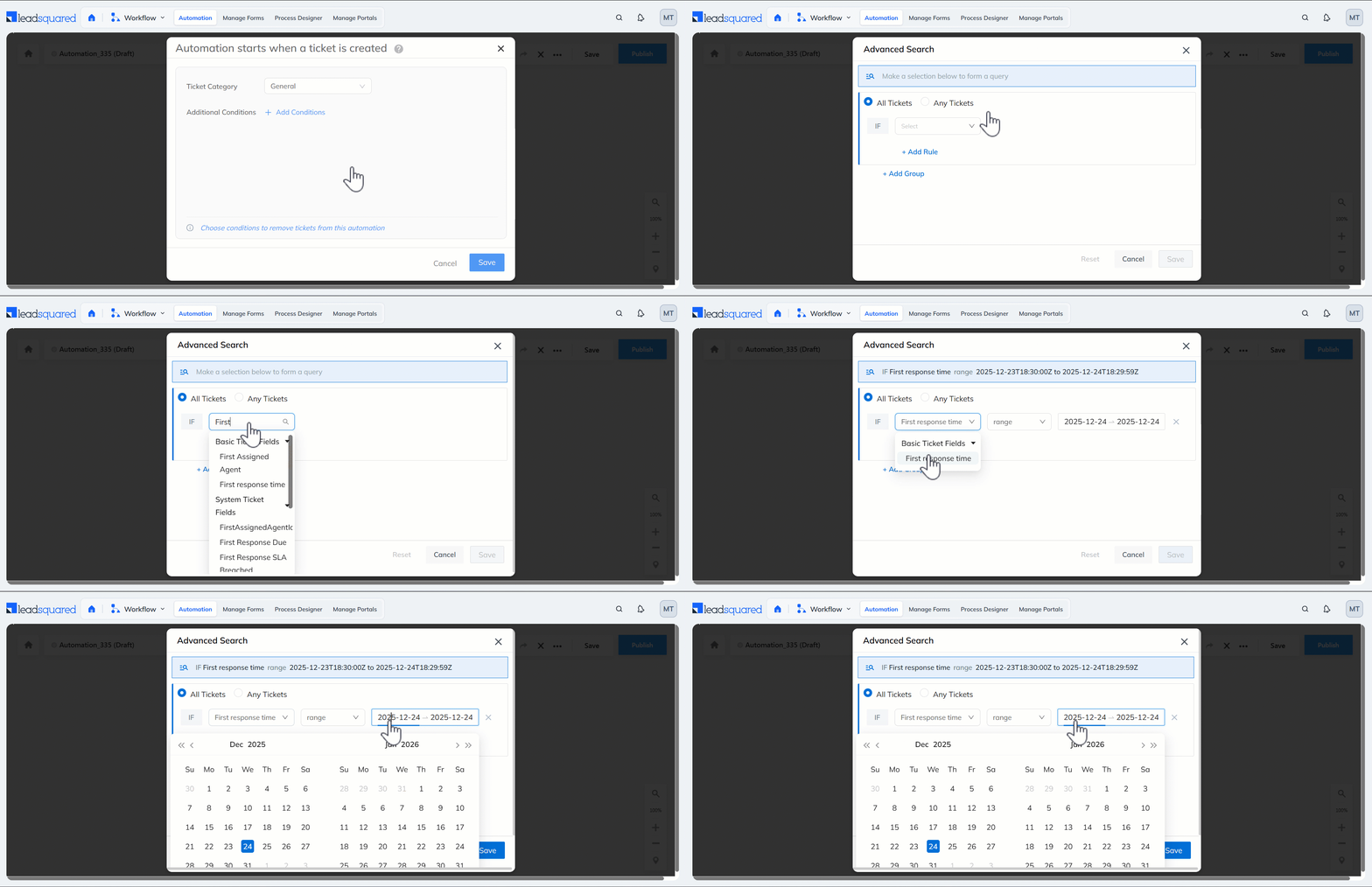
Time-Based Fields Supported in Automations
Automation conditions now support time-based fields such as First Response Time and Resolution Time. This enables more precise, SLA-driven automation based on ticket timelines.
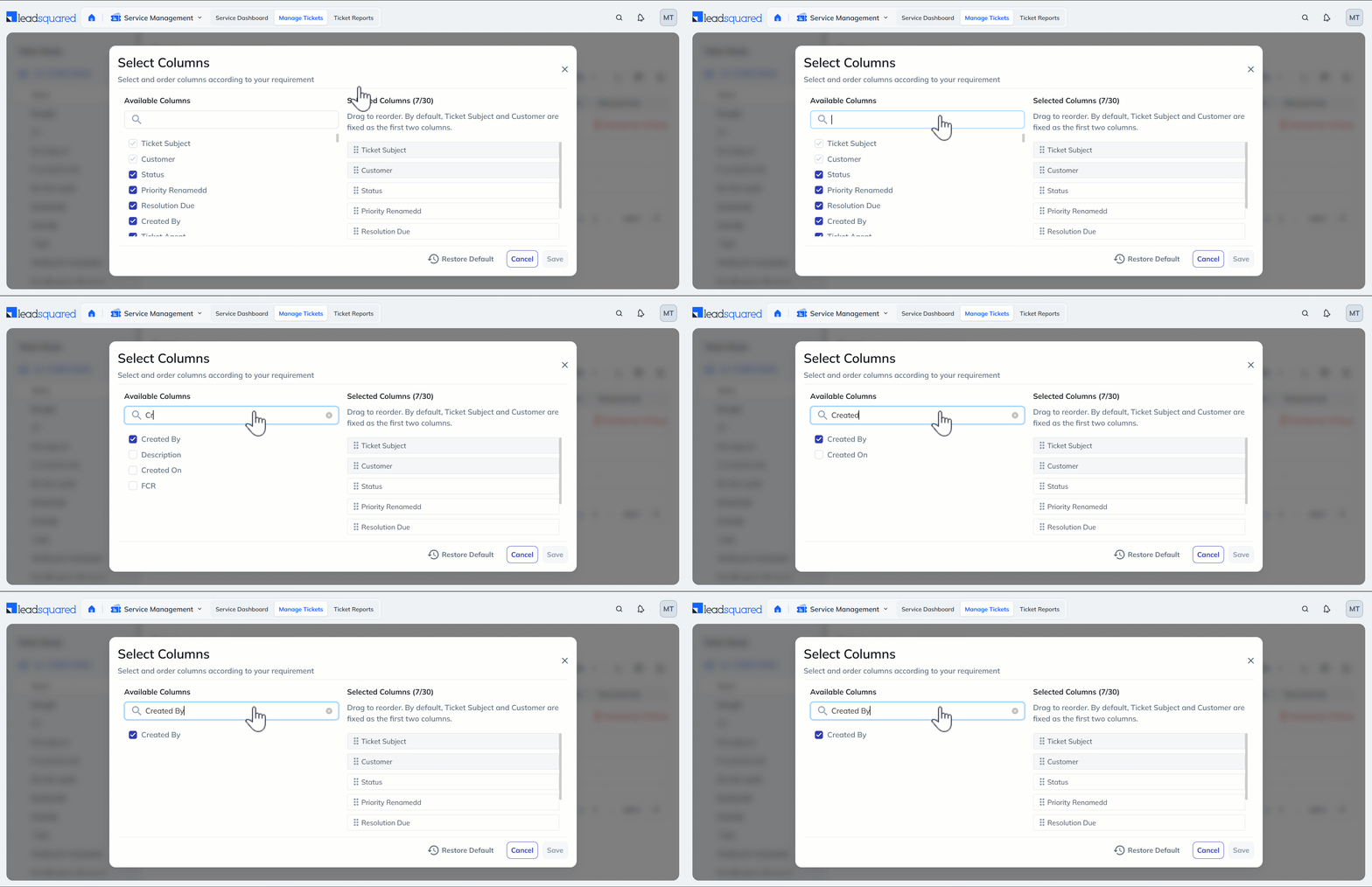
Filter Tickets by Created By in Ticket Views
You can now filter tickets on the Ticket Views page using the Created By column. This makes it easier to identify tickets raised by specific users.
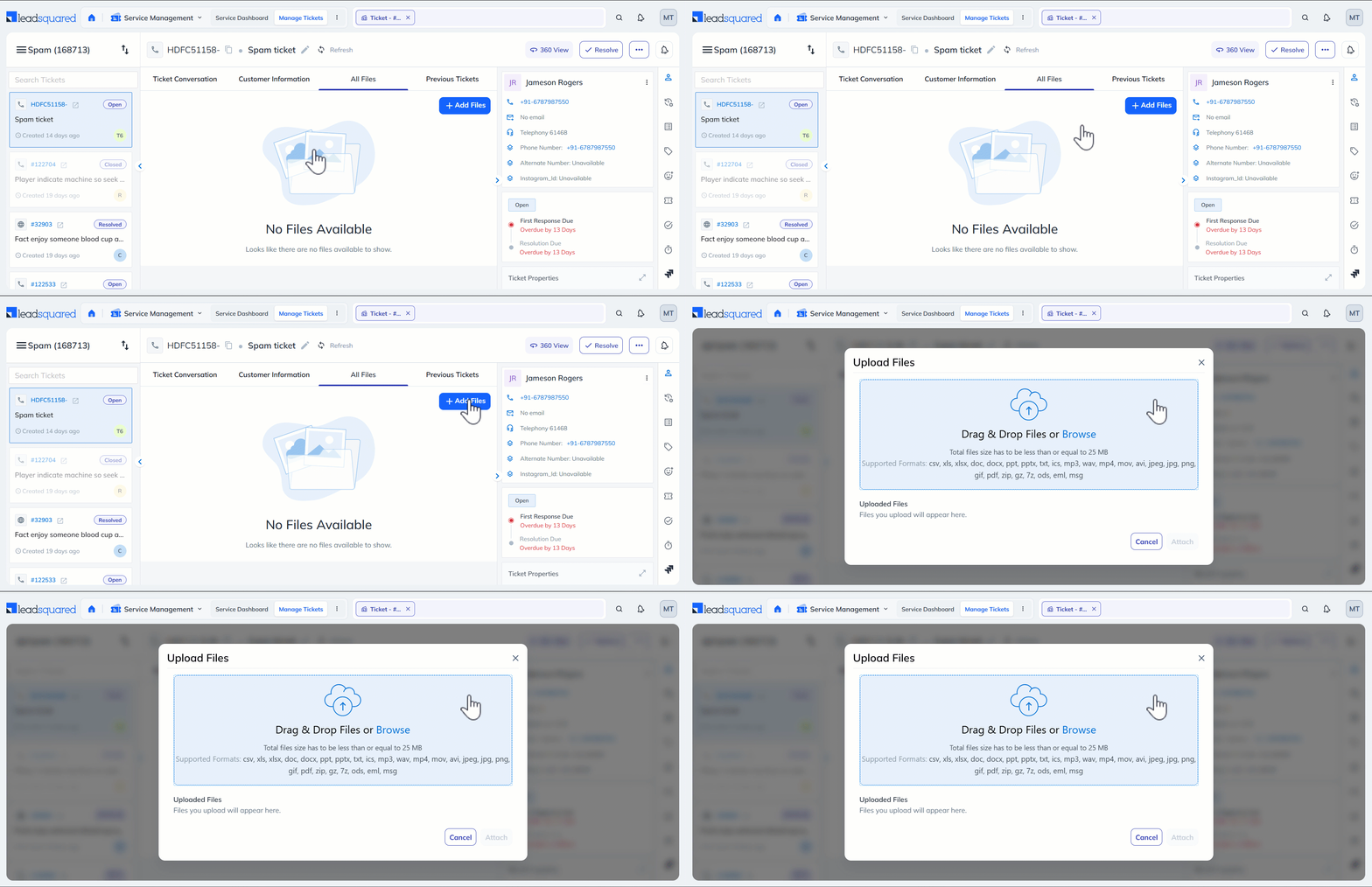
Support for New File Upload Formats
You can now upload email files in .msg and .eml formats. This makes it easier to attach and review original email conversations directly within the system.