
[dynamic_help_sidebar root="leads"]

LeadSquared Insider: AI for Streamlined Sales Ops

The wait is over. Join our experts as they unveil the newest drops, show you how to make them yours, and help you unlock performance like never before.

In this webinar, we covered –

  1. AI Propensity Scoring: Your pipeline’s personal GPS. It reads behavior, conversations, and CRM signals to surface the hottest leads first, and then displays a clear speedometer-style score so your sales team always know where to hit the gas.
  2. Object Types: Everyone in their lane, everything in one view. From distributors and manufacturers to patients and students, create every stakeholder type distinctly and untangle complex, multi-entity sales in your CRM.
  3. Lead 360 (Mobile): Your field rep’s mission control. Lead 360 lets you customise your Lead Details page on Mobile CRM so field reps see only the layouts, details, and actions that matter on the go: no clutter, just clean, fast execution.
  4. AI Agents: The support heroes that don’t sleep. Trained on your data, they evaluate, respond to, and resolve tickets with confidence letting your team focus on tough calls and priority issues.
  5. Auto Quality Assurance: QA that never clocks out. Every call, every email, checked by AI against your chosen parameters, so you upgrade from manual sampling to always-on, objective performance tracking.
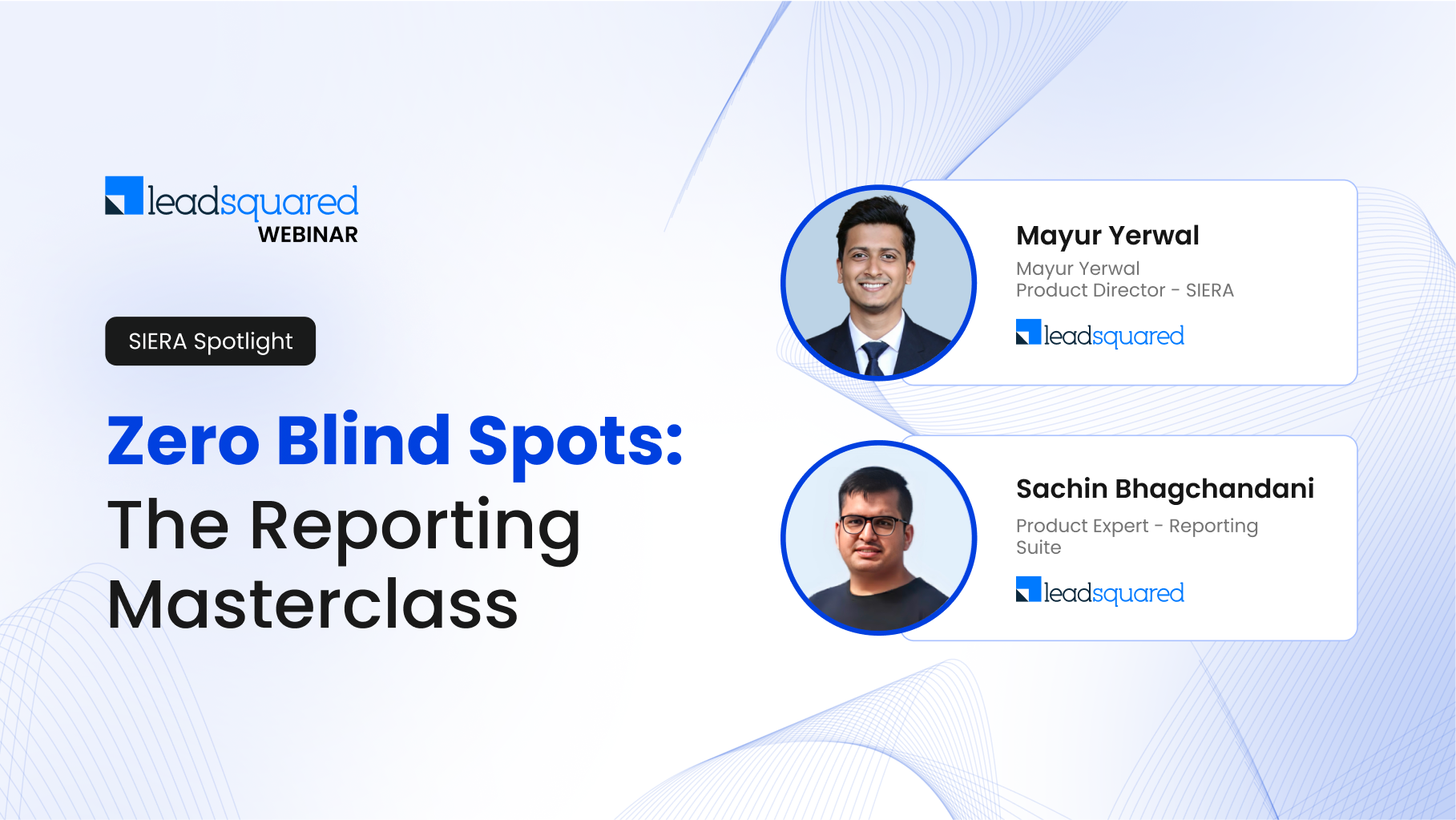
Zero Blind Spots: The Reporting Masterclass

  1. Arm frontline teams with custom reports that drive instant action.
  2. Turn raw numbers into business-ready KPIs with zero manual effort.
  3. Keep every decision-maker on the same page with live, secure dashboards.

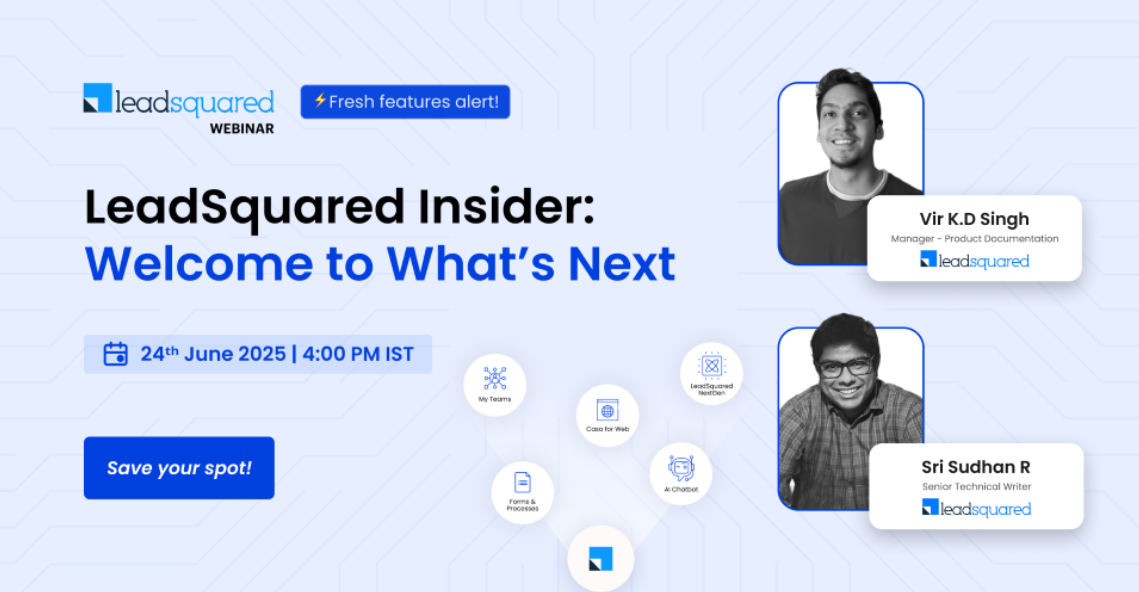
LeadSquared Insider: Welcome to What’s Next

The wait is over.
The next generation of LeadSquared is here – sharper, faster, and smarter than ever (with a side of powerful AI)
Join our experts as they unveil the newest drops, show you how to make them yours, and help you unlock performance like never before.

  • LeadSquared’s New Web Experience: Marvin hit the gym, got a new wardrobe, and now runs faster than ever. A fresh take on speed, simplicity, and scale.
  • AI Chatbot: The newest overachiever on your team is here! Smarter conversations, sharper replies, intuitive flows and more. Come experience the limits of AI.
  • Casa for Web: Already personalizing your mobile CRM with Casa? You can now do the same on web. Choose your modules, dashboards, themes, and more.
  • My Teams: All eyes on the floor. In real time. Designed for Sales Managers, My Teams brings you real-time insights into team performance, field activity, and daily progress—right on your mobile.
  • Forms & Processes: Start Now. Finish Later. Whether you’re mid-call or mid-commute, don’t lose progress- save your forms as drafts. Available only on LeadSquared NextGen.

You can access the presentation here.

LeadSquared Exclusives – Ask Us Anything

For the first time ever, we put two of our senior product directors in the hot seat to answer your questions – live and unfiltered.
Understand LeadSquared like never before, explore product strategies, and unravel the latest updates. Whether you’re curious about the roadmap, feature details, or best practices, no question is off-limits.

Catch the replay:

  • Q&A with product MVPs
  • Sneak Peek into new & upcoming features
  • Tips for customizing LeadSquared to your needs
  • Answers to every question you sent our way!

LeadSquared Masterclass – Part 2

Our experts have condensed all the hows and whys of LeadSquared’s Core features into a 2-day masterclass.

Here’s what we covered on day 2:

  • Activities: Adding, scoring, and updating activities, decoding forms & processes, configuring permission templates & automation.
  • Tasks: The A to Z of creating and managing tasks.
  • Smart views: Creating, editing, hiding, and deleting tabs, subscribing to reports, and everything else you must know to unlock maximum efficiency.

Master all the core features and get certified with LeadSquared’s Admin Certification Program.

LeadSquared Masterclass – Part 1

Our experts have condensed all the hows and whys of LeadSquared’s Core features into a 2-day masterclass.

Here’s what we covered on day 1:

  • Leads – Adding, updating, tracking and everything in between. Your cheatsheet for converting leads to deals on autopilot.
  • Users – Different roles, different fields, creating groups, creating teams —explore simplified user management that’s truly the stuff of dreams.
  • Opportunity Management – From creating and de-duplicating opportunity fields to bulk updates and export limits, it can be smooth as butter!

Master all the core features and get certified with ⁠LeadSquared’s Admin Certification Program.

LeadSquared Insider: Get the Latest Scoop!

In this webinar, we walk you through the major features we’ve recently released –

  • Lead Management: Marvin just got a makeover – now managing leads feels like a day at the spa!
  • Workflow Management: From document designer to workflow automator, let us do the hard work. Your to-do list is now on autopilot.
  • Chatbot: Our Chatbot just got a PhD in understanding your customers, you can’t miss the graduation ceremony of your AI wingman!
  • Sales Performance Management (Ace): It’s time to shine bright on the sales stage with our Leaderboard’s spotlight because a little healthy competition never hurts.
  • Reporting (SIERA): It’s like having your own personal data butler – creating reports and dashboards at the flick of your finger.
  • Integration And Apps: Your app ecosystem was solid; now we’re enriching it with a whole new flavour! From Google to Facebook, you asked and we’re ready to deliver.
  • Field Sales Management (Mobile CRM): You’ve rocked the field sales game with the Mobile CRM, now let’s add some jet fuel to the fire because CASA and My Trips are finally here!

To learn more about the webinar, you can refer to the presentation.

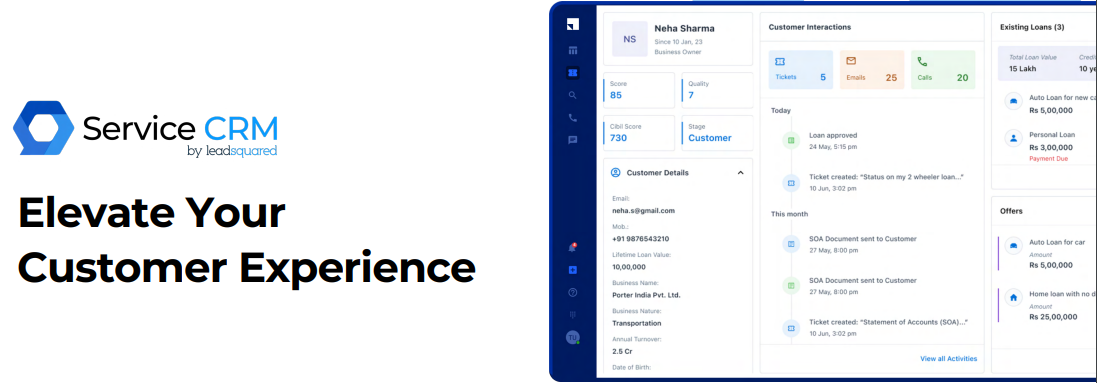
Service CRM: Beyond a Help Desk

In this webinar, we walk you through our latest offering – Service CRM. Our support powerhouse combines cutting-edge technology with a user-friendly interface for a seamless customer support experience, from AI-powered summaries to effortless ticket management. To know more, refer to the presentation.

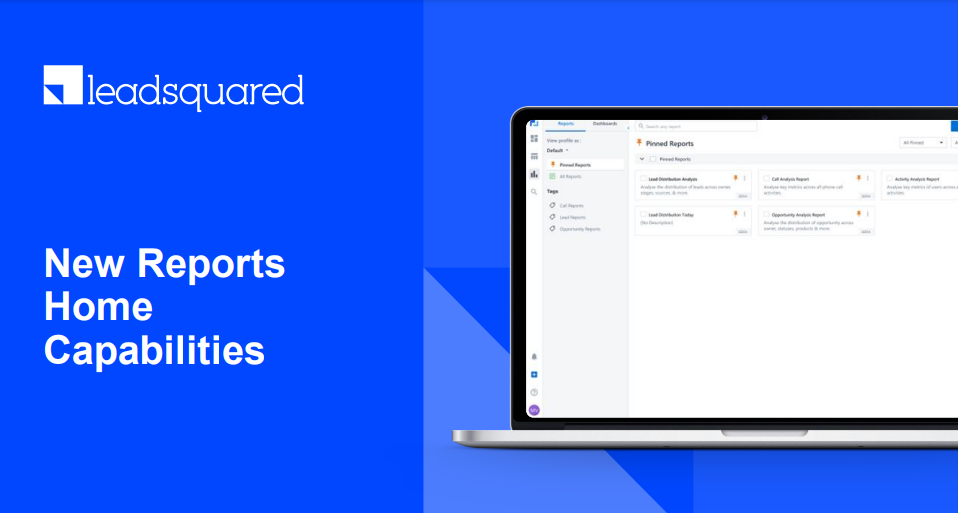
Enhancing Efficiency – Tailored Report Access with LeadSquared

In this webinar, learn how to navigate LeadSquared Reports seamlessly, gain fine-grained control over visibility, and empower your team with precise report access control. To know more, refer to the presentation.

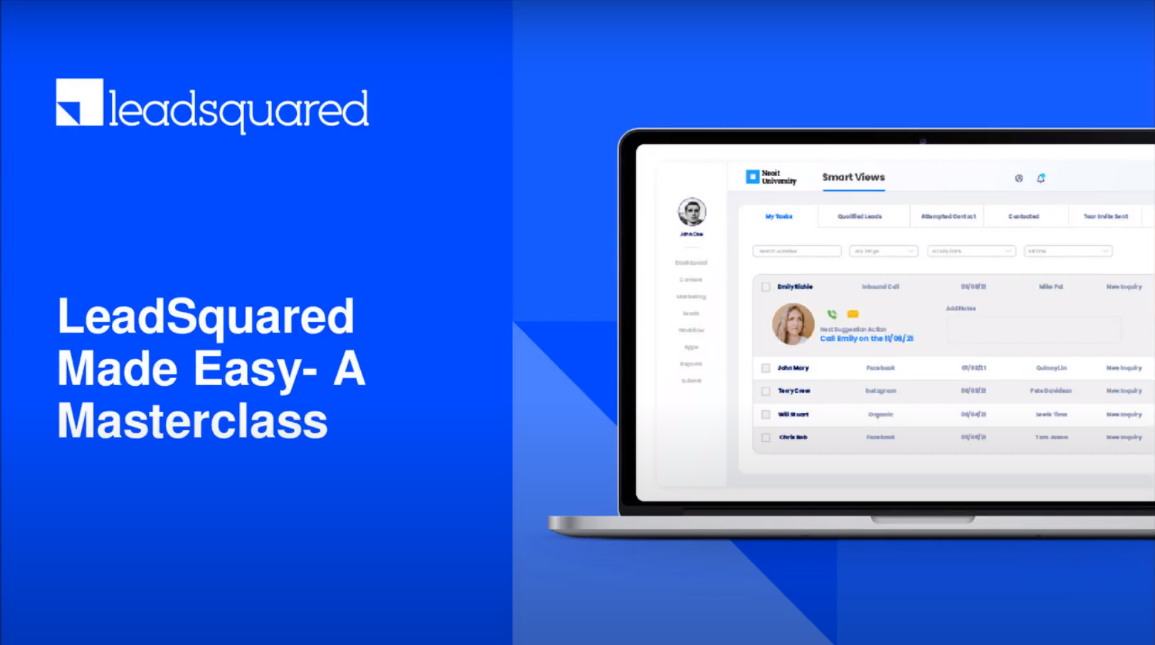
LeadSquared Made Easy – A Masterclass

Join us as we talk about key features, best practices, and most frequently asked questions, all of which will help you use LeadSquared better. To know more, we’ve attached the presentation.

Navigate Your Way to Success with LeadSquared’s Mobile App

The key discussion points in this webinar were –

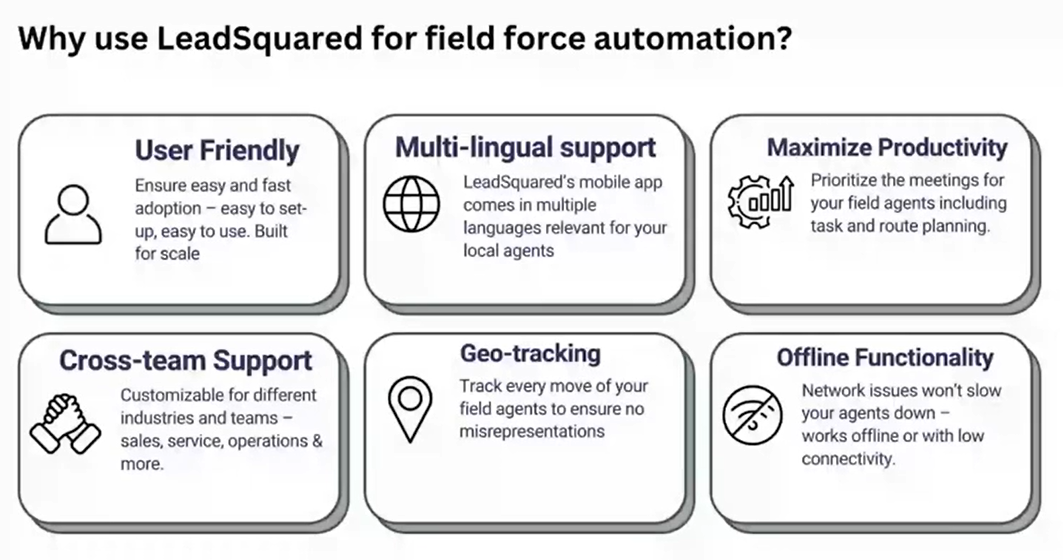
  • Take LeadSquared with you wherever you go: Access your lead’s information on the go, including all their activities from first contact to purchase and beyond, even when you’re offline!
  • Find the most efficient route to complete your tasks: The mobile app intelligently plans the most convenient route for you to maximize your productivity and close more deals.
  • Save time with audio recording: Don’t waste time manually typing out your meeting notes. Directly store voice notes in LeadSquared for future use.
  • Don’t lose track of important phone calls: The mobile app automatically links phone calls to your deals, and also records them for reference and quality control.
  • Document collection and KYC processes made easy: Avoid manual errors by scanning documents (like passports, PAN and Aadhaar cards) to directly capture data against leads and opportunities.

Manage Incentives & Payouts Through ACE

Key takeaways from the webinar –

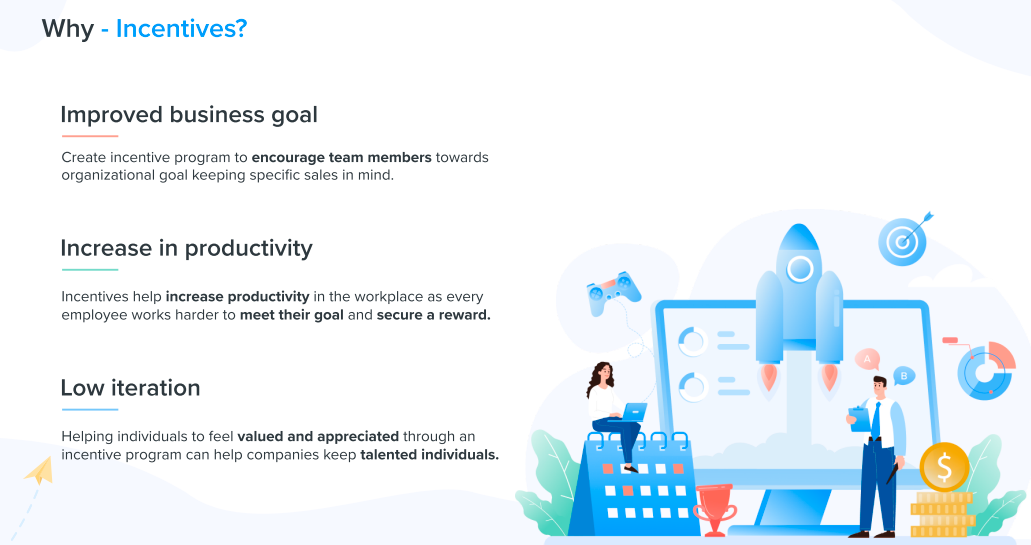
  • How to set up incentives for your sales team in minutes
    ‘Ace – Incentives’ lets you seamlessly create multiple incentive programs for your business teams with just a few clicks.
  • The business impact
    Increase employee motivation by gamifying the incentive calculation process.
  • Major use cases across industries
    We will showcase product capabilities where multiple industry-specific use cases can be easily configured.

Here’s the presentation deck.

SIERA: LeadSquared’s Upcoming Lightning Fast Reporting Platform!

Sales Intelligence and Efficiency through Report and Analytics (SIERA) is LeadSquared’s new-gen self-service reporting tool. With SIERA, you can track leads, opportunities, organization revenue, user performance, and more. Join this webinar to learn how SIERA can help you generate insightful reports for your business.

Here’s what we’re covering -​

  • How to use filters to build highly-customized reports?
  • Use SIERA to create pivot tables and alter dimensions.
  • Generate and save multiple reports for your teams.

You can also find a link to the presentation deck here.

LeadSquared Product Updates: Learn What’s New!

The webinar is designed to help you understand the new features in-depth and adopt them in your own implementation, without any additional assistance.
Here’s what we’re covering -​

  1. How to customize the lead details view for maximum productivity.
  2. How to use the new smart views filters to segregate your leads.
  3. Meet your compliance requirements with password policy customization.
  4. Use assignment quotas to prevent your sales reps from being overburdened with opportunities.
  5. Learn how to integrate WhatsApp with LeadSquared Converse.

Ace: The End-to-End Sales Performance Suite

In this webinar, we’ve covered –

  • Ace Goals Set-up
    • How to set up daily, weekly, biweekly, monthly, quarterly and yearly goals for your teams in minutes.
  • Business Impact
    • ACE ensures reduced inefficiency and increased operational efficiencies that are as high as 30%.
  • Use Cases across Industries
    • How industries can boost sales by measuring & improving metrics like revenue targets, lead funnel targets & more.
  • Walkthrough of the ACE Module
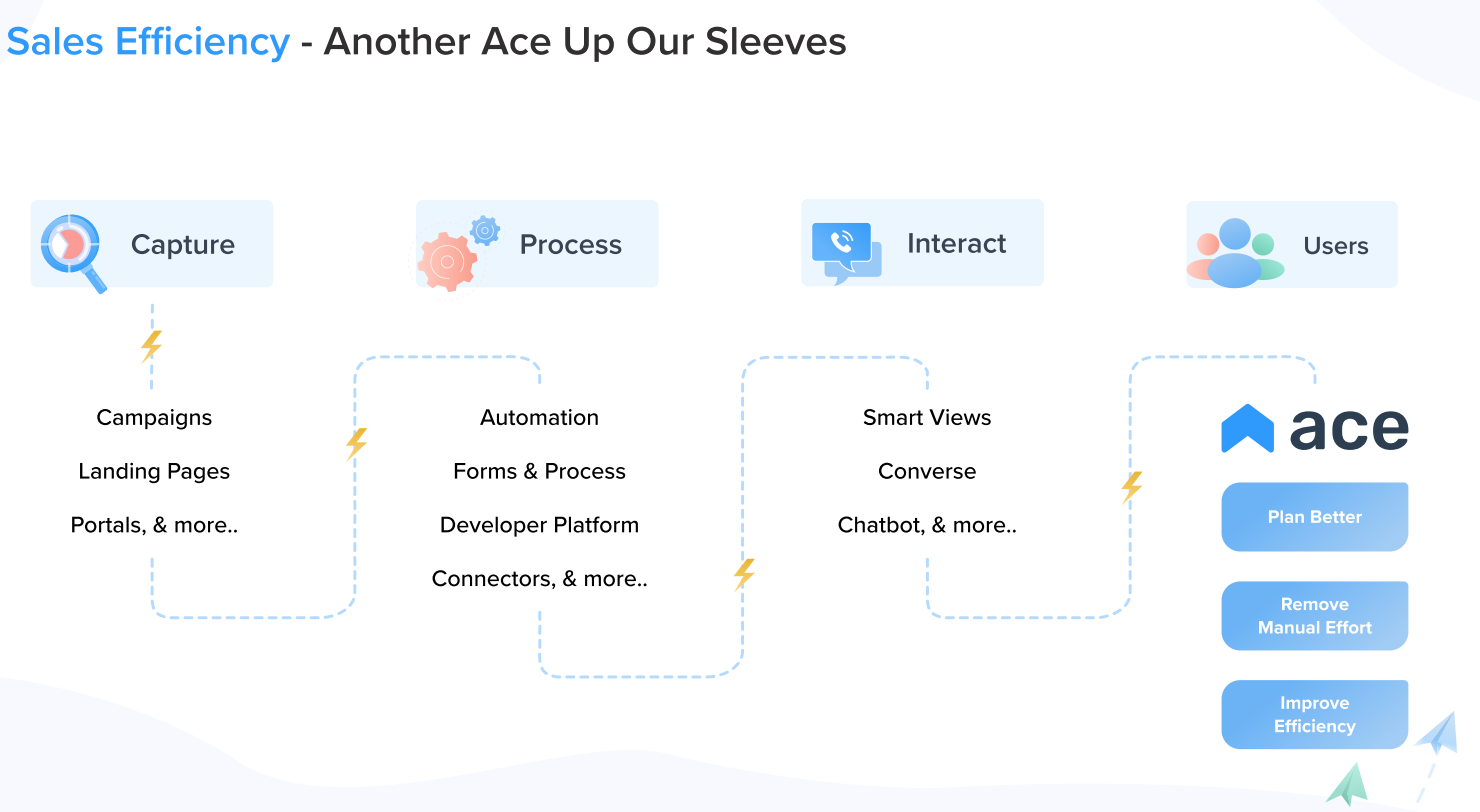
    • The ACE module delivers sales performance monitoring and real-time achievement tracking, among other powerful features.

You can also find a link to the presentation deck here.

Introducing Ace: All-new Sales Performance Enhancement Suite

In this webinar, you’ll learn –

  • How to set up daily, weekly or monthly goals for your team, in minutes
    • Ace – Goals works seamlessly with LeadSquared, and with them, you can go live in just a few clicks
  • The business impact
    • We worked with more than 15 businesses during our BETA program, and we have a ton of insights to share
  • Major use cases across industries
    • We will showcase how a variety of industries can benefit by introducing goals into their sales process
  • Ace – Under the Hood
    • Quick walk-through on Ace architecture

You can also find a link to the presentation deck here.

What’s New in Opportunity Management?

From this webinar, you’ll learn –

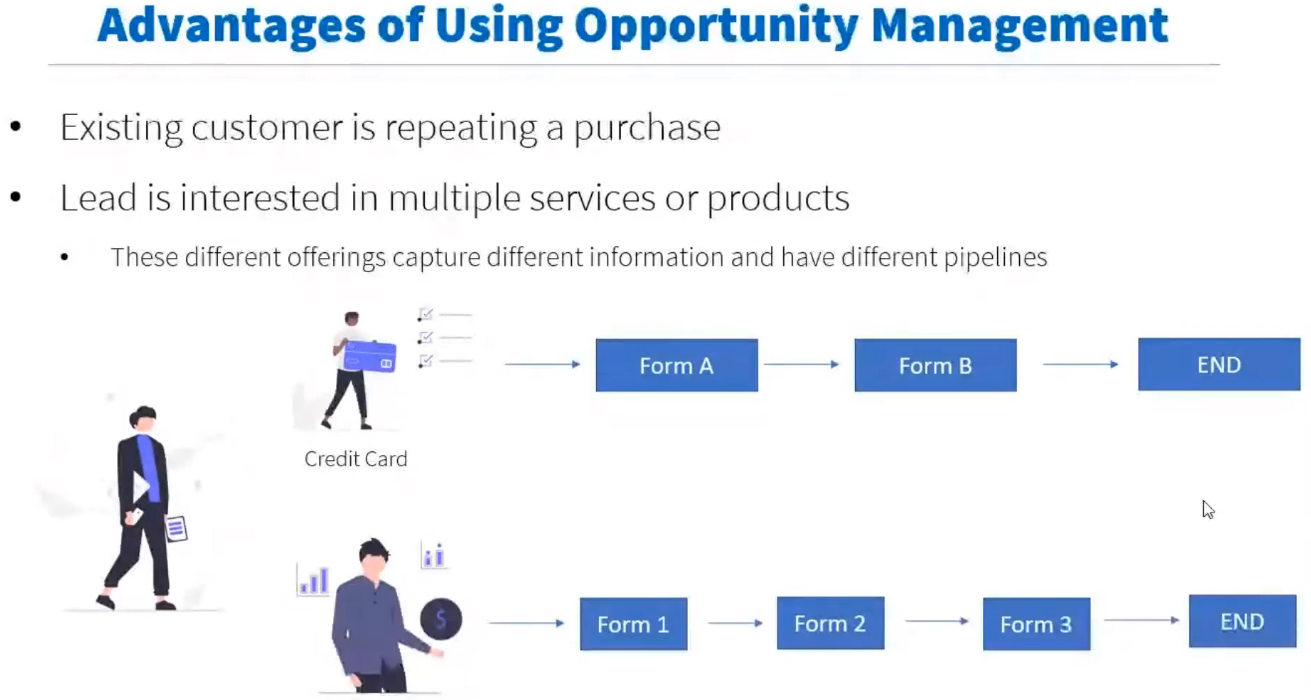
  • Why do we need Opportunity Management
  • Major use cases across industries
  • Opportunities on LeadSquared, to manage potential deals
  • Duplicate detection rules
  • Managing opportunities against a lead
  • Opportunity forms for seamless data capture
  • Smart views to help users focus on only important opportunities
  • Opportunity reports and automation
  • What next in opportunity?

You can also find a link to the presentation deck here.

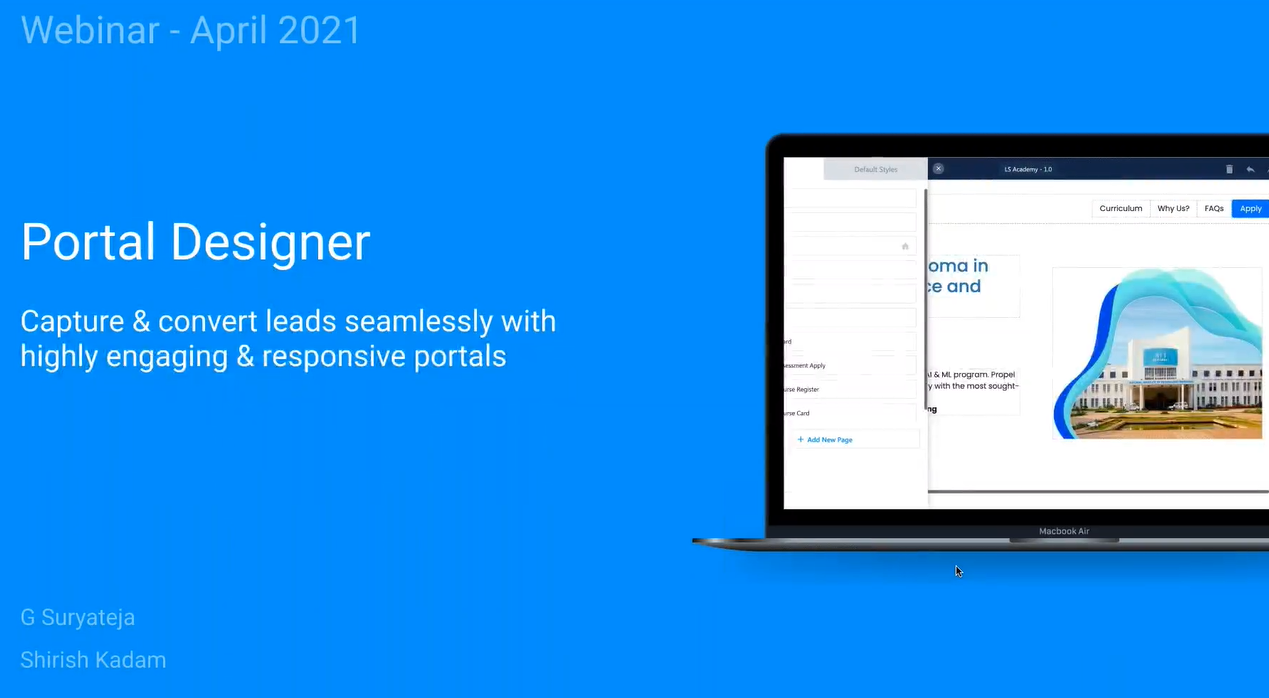
The Next Big Thing in LeadSquared: Portals & Portal Designer

In this webinar, we’ll show you how to –

  • Seamlessly capture leads and convert them to your paying customers through engaging LeadSquared Portals, without writing a single line of code!
  • Capture a variety of lead information including documents, signatures, images, and payments through portals.
  • Build fast and mobile responsive portals that work with your existing LeadSquared forms, automations, and activities.
  • Showcase your services and features through portals with videos, slides, documents, and images.

You can also find a link to the presentation deck here.

Updates to Facebook Retargeting, WhatsApp Business, Mobile App & more

In this webinar, you’ll learn how to –

  • Increase ROI from Facebook Ads & capture leads in real-time from multiple pages & accounts with our latest Facebook Lead Ads & Facebook Retargeting integrations
  • Improve your remote sales team productivity by tracking & recording calls, with Mobile Cloud Calling
  • Boost your Field Sales team’s performance with personalized Nudges via Automation or Nudges on mobile
  • Close more deals with automated notifications on various Opportunity triggers on WhatsApp Business
  • Improve your sales team’s efficiency with help from Carter, LeadSquared’s AI-powered Personal Sales Advisor

You can also find a link to the presentation deck here.

LeadSquared for Developers – Batch Jobs

In this webinar, we’ll cover –

  • Understanding the LeadSquared Developers platform, and how it can help achieve custom requirements
  • Detailed discussion on BatchJobs
    • How a powerful “managed background task processor” can help you generate complex & time-consuming reports, automate tasks that take hours to complete, execute critical tasks on time, and analyze every execution.
  • Mavis & the possibilities that come with it
    • How a powerful “managed database as an API” service can help you store & interact with your data inside your LeadSquared account, sync your business core/master data with your sales pipeline, and easily integrate with LeadSquared forms so it does not become a development effort every time.

You can also find a link to the presentation deck here.

LeadSquared Product Updates

From this webinar, you’ll learn about –

  • Enhancements across Leads, Users, Activities, Tasks & Platform Settings
    • Additional user fields, more options to create teams, user/activity restrictions & flexible task filtering options
  • Improvements to Automation
    • Limits on lead distribution & single automation triggers that replace the creation of multiple ones
  • All the latest from Forms & Processes
    • Forms performance optimization, dependent dropdown rules, & your own database with Mavis DB
  • Updates to Smart Views
    • Smart Views as your home-page, transparency in filtering tabs within sales groups, & a powerful Tasks Advanced Search

You can also find a link to the presentation deck here.

Opportunity Management on Mobile

From this webinar, you’ll learn how to use –

  • Opportunities on the LeadSquared iOS and Android apps, to manage potential deals
    • Opportunity forms for seamless data capture
    • Opportunity lists for different product/service offerings
    • Managing opportunities against a lead
  • Smart Views to help users focus on only important opportunities
  • The following quick actions to improve efficiency while using opportunities
    • Set opportunity as homepage
    • Swipe actions
    • Long press actions
    • Bottom bar
  • Custom actions & tasks in opportunities to customize your workflow

Task Management: Everything You Need to Know

From this webinar, you’ll learn –

  • What are Tasks & how to use them
  • Configuration of Task Types & creation of new Tasks in user accounts
  • Automating repetitive tasks – a few Automation examples from different industries
  • Using Smart Views & Reports for better task management
  • How to set up Calendar View for Tasks & Recurring Tasks
  • Geo-fencing Tasks on Mobile – ensuring users complete tasks only within the task location

You can also download a copy of the presentation.

How to Run High-Performing Email Campaigns in LeadSquared

From this webinar, you’ll learn –

  • How to set up email campaigns
  • How to use templates, lists and split testing
  • How to personalize your email content
  • Detailed reports on click rate, open rate, device open rate and more
  • Advanced email analytics to improve your campaigns
  • Learnings from sending over 5 million emails

You can also download the presentation.

Securing Your Data & Preventing Unauthorized Access in LeadSquared

The topics covered in this webinar were –

  • Basic security features in LeadSquared
    • IP whitelisting, 2-factor authentication, session management, etc.
  • Managing access rights and permissions to users
  • Securing landing pages from cyber threats
  • Protecting the privacy of your leads
  • Review audit logs
  • Securing API calls in LeadSquared

You can also download the presentation deck.

The Right Way To Use The LeadSquared Mobile App

In this webinar, we discussed how to –

  • Initiate phone calls & make outbound calls
  • Capture inbound and outbound calls as activities
  • Send SMS to leads & set up auto-response SMS for missed call activities
  • Access all mobile app call handling reports
  • Use our newest feature – Cloud Calling on web and mobile apps

You can also download a copy of the presentation.

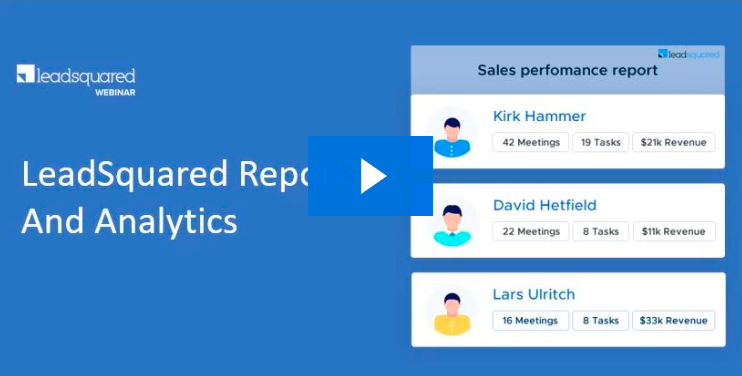
Masterclass on LeadSquared Reports & Analytics

The key takeaways from this webinar are –

  • Identify which reports are relevant to which user or role
  • Get performance reports for each step of your marketing campaigns
  • Monitor every aspect of sales – funnel, people and revenue
  • Know the sources & salespersons driving revenue for your business

You can also download the presentation deck.

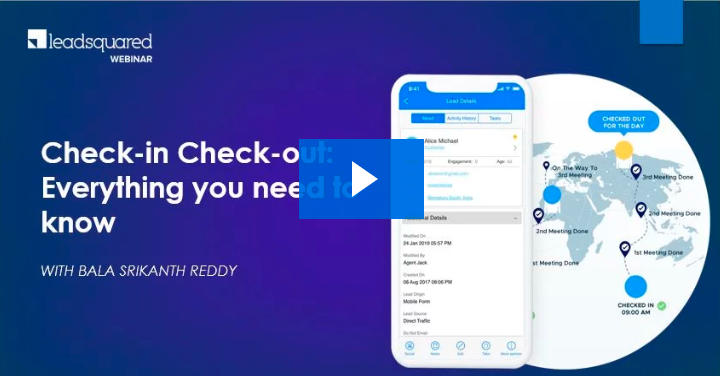
Check-in/Check-out: Everything you need to know

The key pointers from this webinar are –

  • Feature overview on web and mobile
  • How to automate check-in and check-out
  • How to set up: location restrictions, time restrictions, geo-fencing
  • How to ensure efficient lead distribution & lead assignment
  • Use case discussions on check-in/check-out

You can also download the presentation.

Leveraging LeadSquared for Business Continuity – Part 2

In this webinar, you’ll learn to –

  • Monitor your remote teams working from home
  • Track phone calls/meetings/messages
  • Ensure customer engagement continuity
  • Get insights into the productivity of your teams
  • Ensure work carries on despite bad/no connectivity

You can also download the presentation.

Leveraging LeadSquared for Business Continuity

In this webinar, we walk you through LeadSquared features that help you work more efficiently from home. We’ll cover –

  • How the Check-in/Check-out feature helps you monitor work from home.
  • Dashlets, Smart Views, and Reports for productivity insights.
  • Setting up automation for escalations and delayed tasks.
  • Security features that help you safeguard data while working from home.
  • Simple ways you can track meetings held over the phone.
  • Communicating urgent updates with LeadSquared.

You can also download the presentation.

How to Build Student Application Portals

This webinar explores the new ‘Portal’ feature that lets you build self-serve application portals –

  • How to make the application process seamless & paperless
  • Decoding the enquiry to admission journey
  • LeadSquared platform capabilities – admission process, counselor smart views, counselor & publisher dashboard
  • Why your college or university needs an integrated platform to engage students.

How to Improve the Service Quality of Your Sales Team

In the webinar, we cover –

  • What is quality management and who is it relevant for?
  • How to assess the quality of your sales calls?
  • Tools that can help you implement a quality management system (QMS) for auditing calls
  • What can you do to reduce manual effort and increase call center productivity?

Master Lead Management for Better and Faster Sales

There’s a lot on offer in this sales webinar. Learn how to –

  • Simplify the lead management process with –
    • Lead & Engagement Scoring – Know how engaged they are with your marketing activities.
    • Quality Scoring – Focus your efforts on leads that meet your quality criteria.
    • Smart Views – Manage & monitor leads, marketing activities & sales tasks in real time.
  • Automate sales funnel movement with workflow automation –
    • Push your leads down the conversion path with the right message at the right time.
  • Control actions and access of your sales reps –
    • Give your sales agents restricted access to prospective leads via Permission Templates.
  • Customize LeadSquared for your business –
    • Customize dashboards, dashlets, sales tasks, sales actions & more.
  • Automate and simplify retargeting tasks with –
    • Facebook Retargeting.
    • Google Retargeting.

Mastering the Sales Process & Pipeline

Learn how to make the best use of your LeadSquared CRM to maximize your sales. This webinar explores –

  • How to distribute your leads based on geography, interest or any other criteria.
  • How to focus your efforts on leads that meet your quality criteria.
  • Automating tasks like lead & task assignment, list creation, sales notifications & more.
  • Organizing your sales management process to help sales folks sell more, faster.
  • Monitor every aspect of your sales – funnel, people & revenue .
  • Simplifying field sales with LeadSquared mobile.

You can also download the presentation deck.

The Correct Way to Use the LeadSquared’s Mobile App

With LeadSquared mobile, you can manage your entire fields sales operation straight from the palm of your hand. With a few taps on your smartphone, you can create leads and activities on the go, geo-track your sales team, access performance reports, and do lots more…

In this webinar, you’ll learn exactly how you should be using the app.
For more information, refer to our documentation.