Service CRM Updates.2026.02

Dynamic Jira Ticket Form in Service CRM
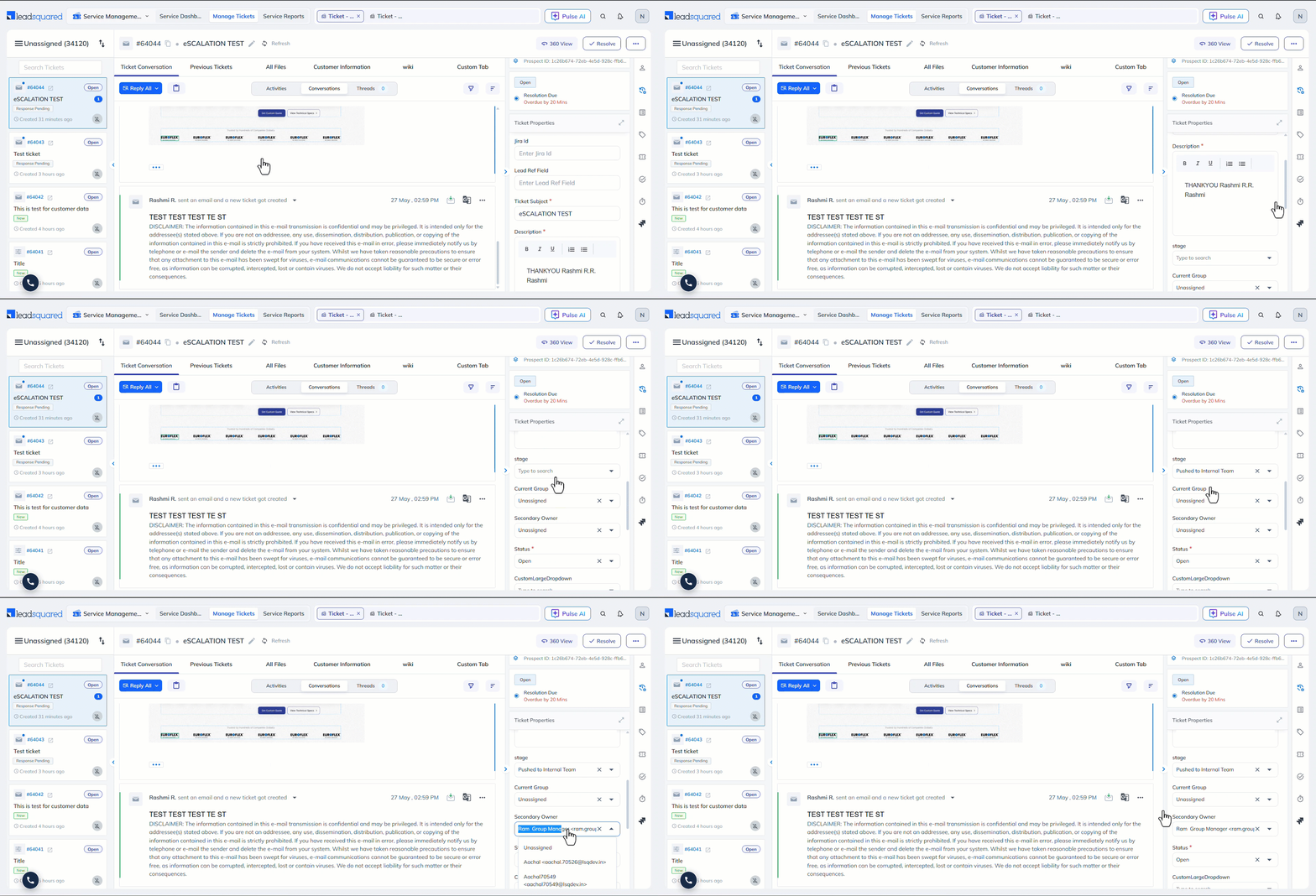
Previously, the Jira ticket form in Service CRM displayed only static fields when logging an issue. Now, based on your input, it dynamically displays additional form fields. For example, in the “Ticket Type” field, if you select “Request”, the system automatically updates the “Status” to Open and the “Owner” to “John”. This makes it faster to fill in relevant information without navigating away from LeadSquared.
Restrict Stage Updates on Closed Tickets
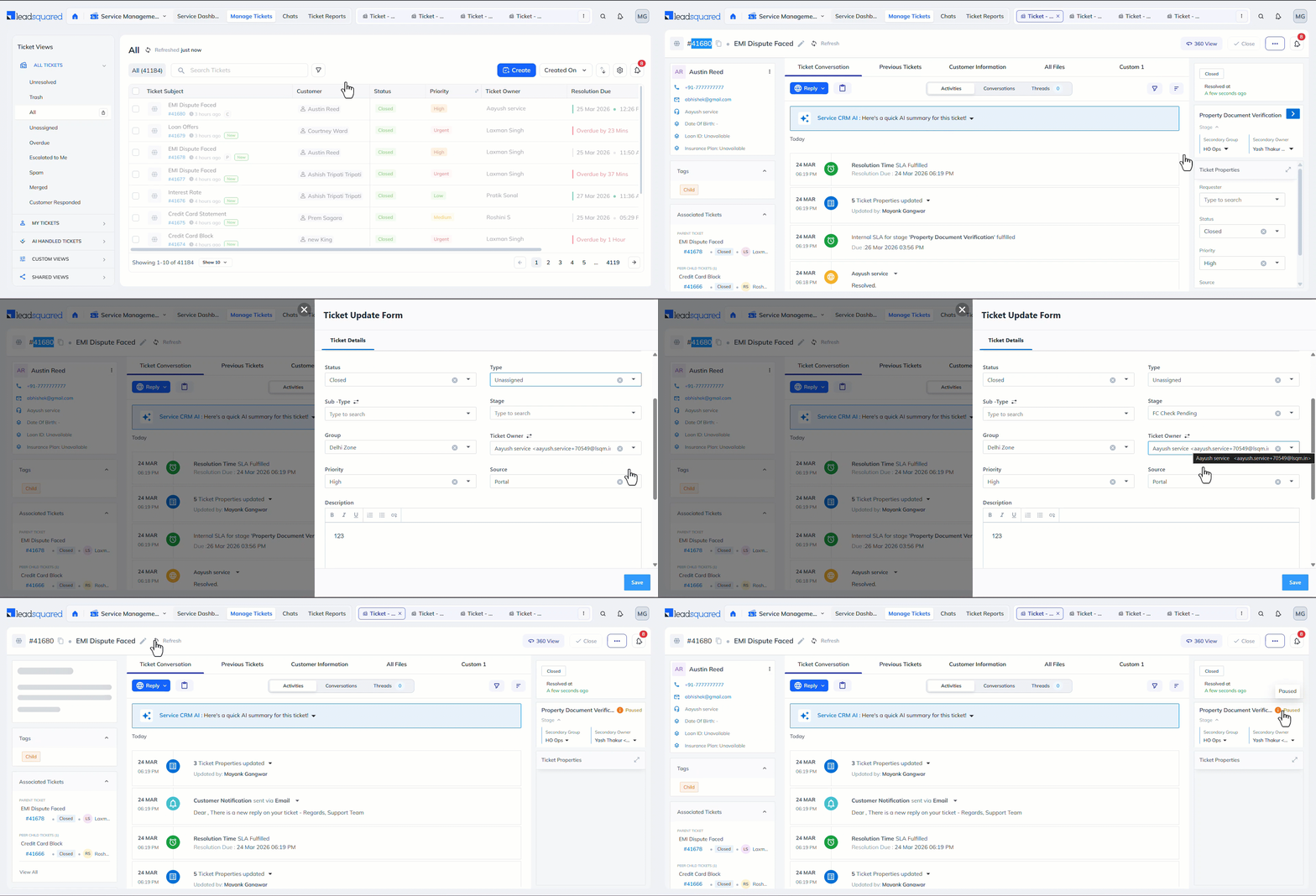
Once a ticket is Closed, its stage can no longer be updated from the Ticket Details page. This ensures no one tampers with the ticket’s lifecycle and prevents accidental changes to resolved tickets.
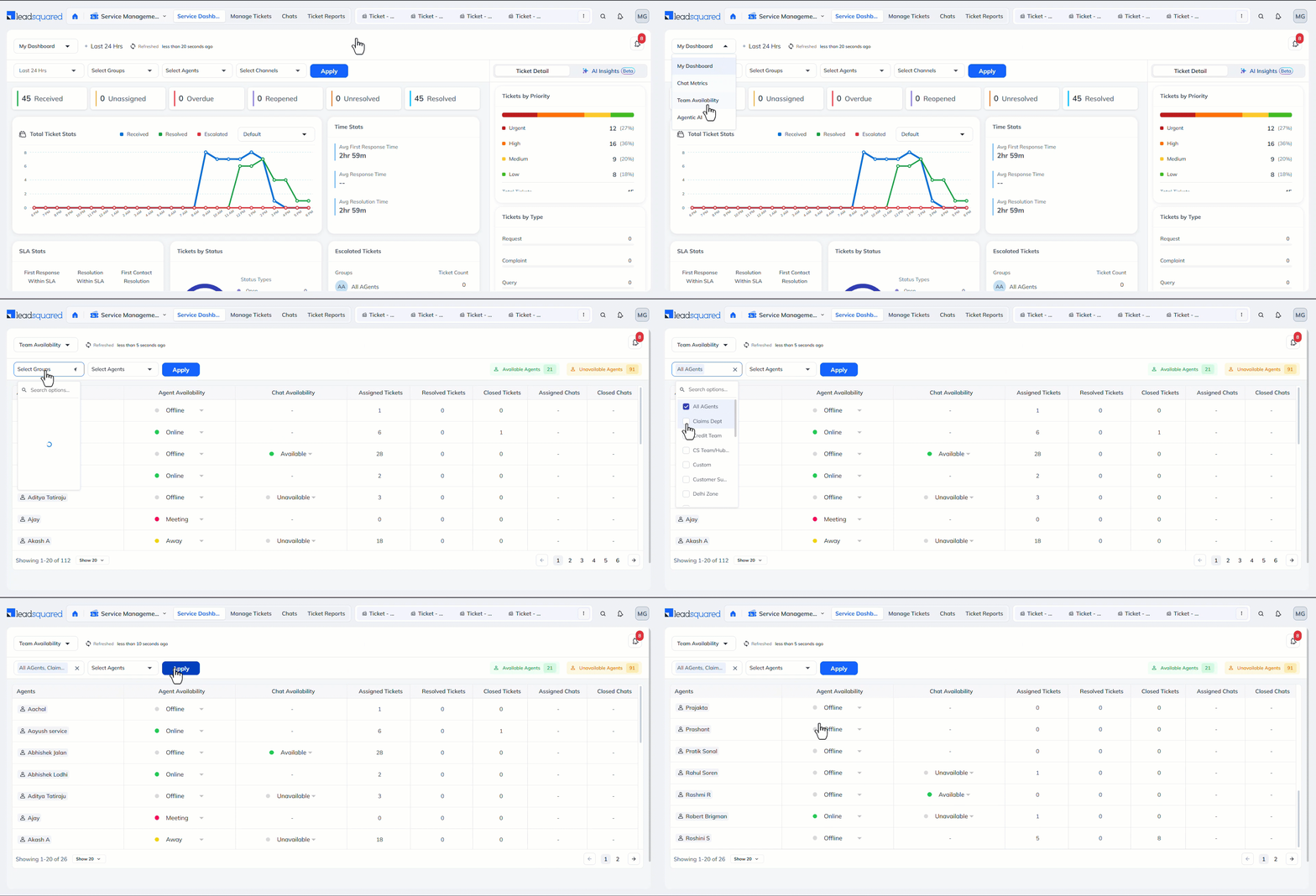
Service Group Filter for Chat Counts in Dashboard
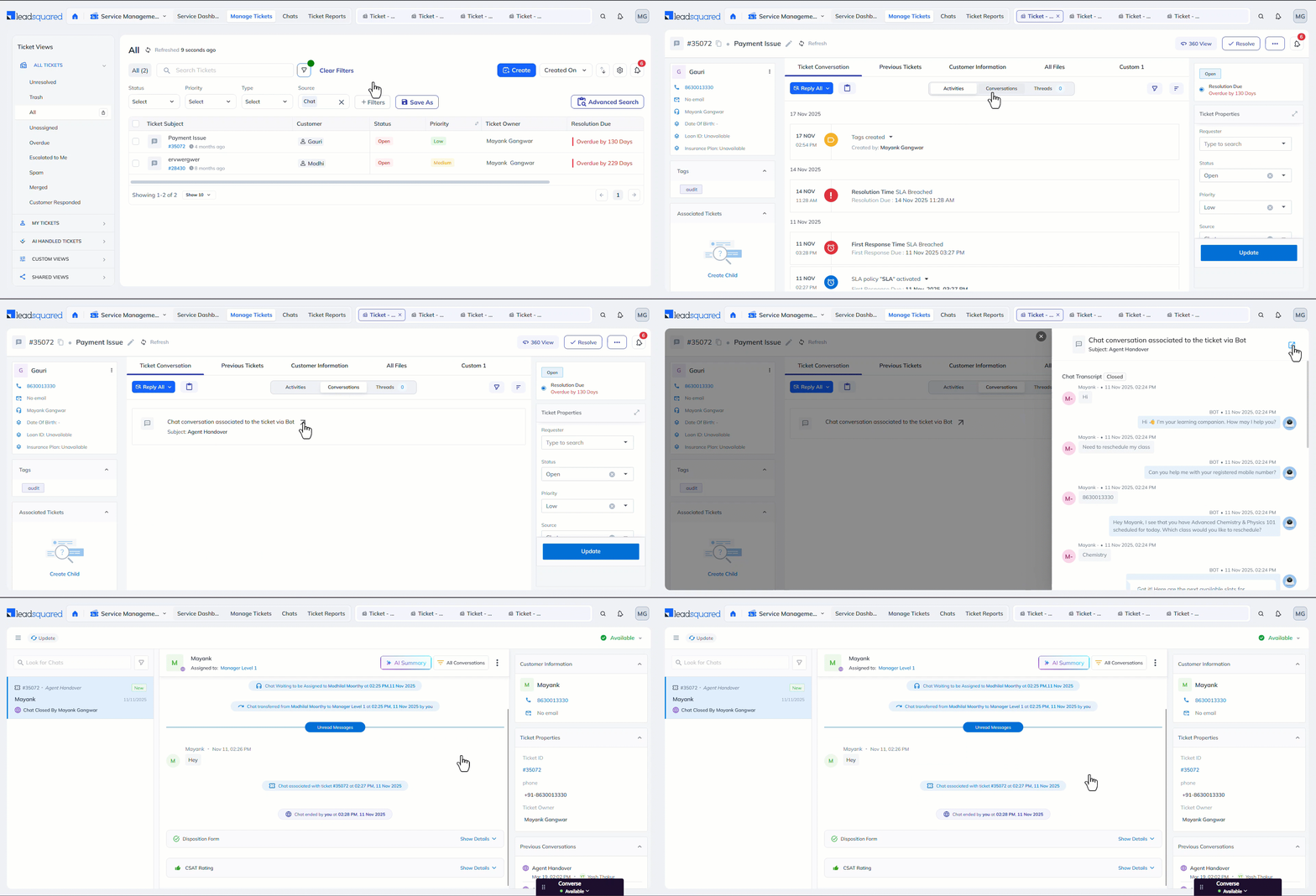
The Agent Availability Service Dashboard now let’s you filter chats by Service Groups. Supervisors can get a more focused view of agent availability and workload within specific groups.
Resolved Date Placeholder in SMS / Messaging Templates
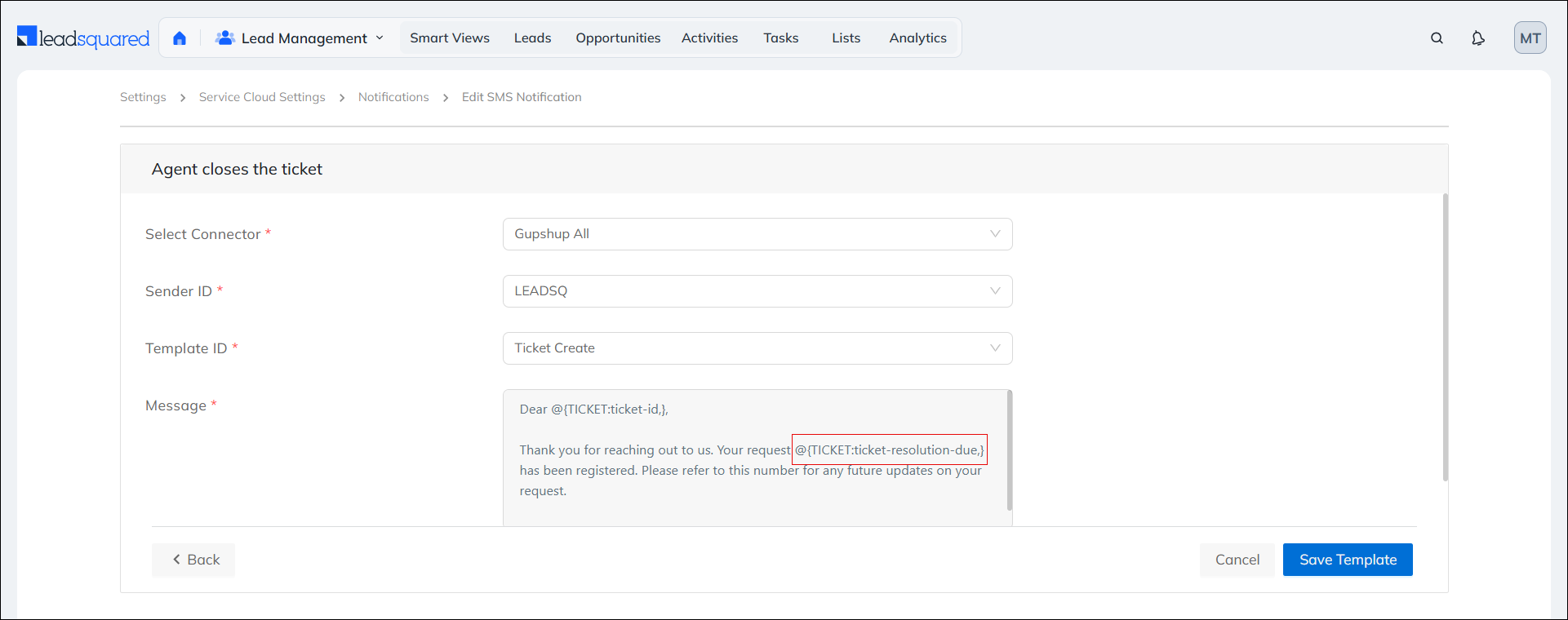
SMS and messaging templates now support the “Resolution Date” as a placeholder. Teams can include resolution timestamps in outbound messages, keeping customers informed automatically when their tickets are closed.