Service CRM Updates.2026.03

AI-Powered Ticket Field Enrichment
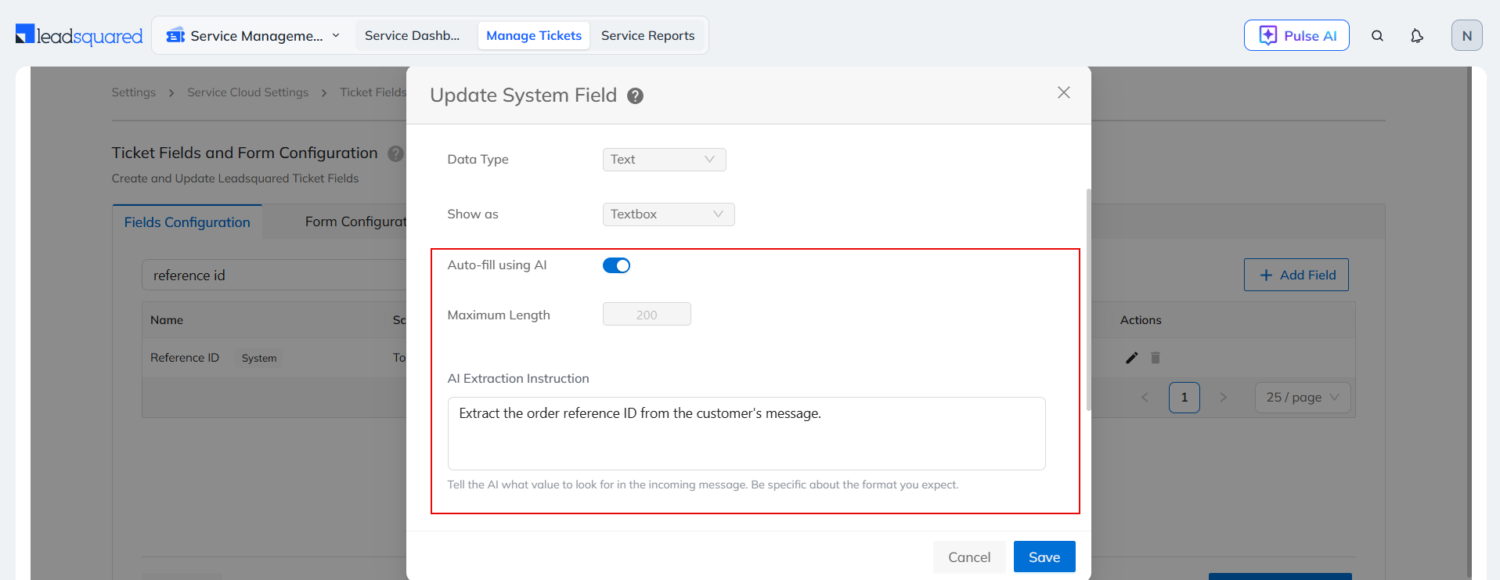
Based on ticket properties and configured AI prompts, the system can now automatically populate ticket fields with appropriate values. This reduces manual effort and helps ensure consistent ticket classification. To know more, refer to Service CRM Ticket Field Enrichment with AI.
Conversation Summary and Sentiment Detection Across More Channels
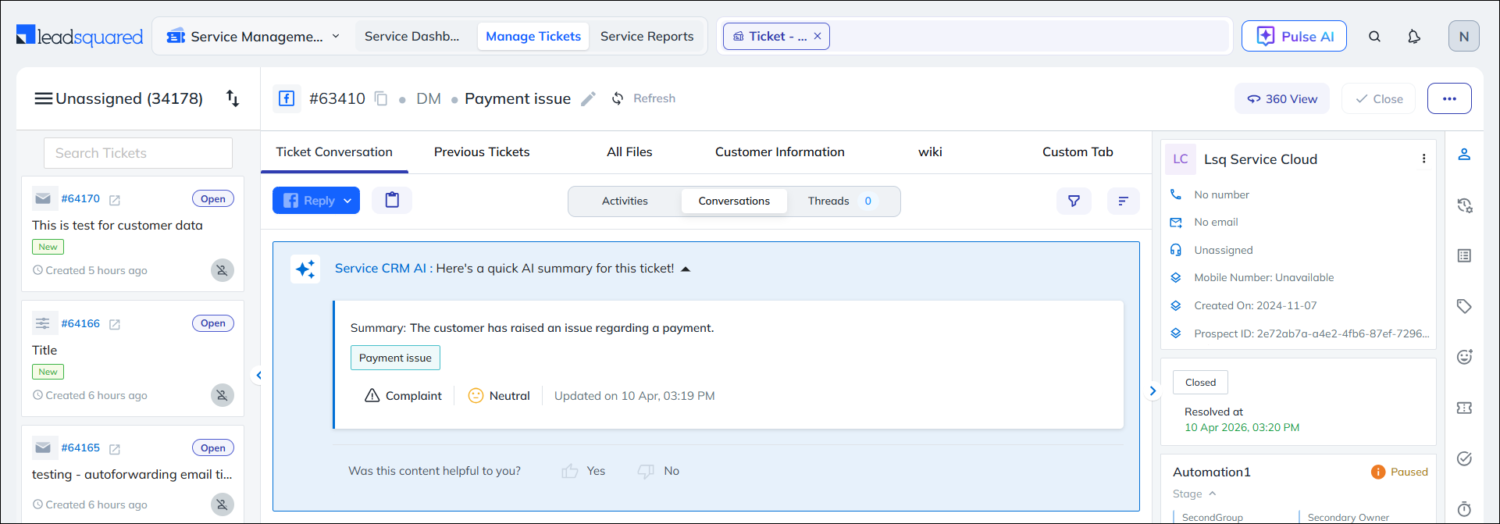
Previously available only for email tickets, Conversation Summary and Sentiment Detection on the Ticket Details page are now supported for tickets created through chat, social media, and portal channels. This gives agents AI-powered insights across more customer interactions.
Reply to Facebook/Instagram Messages and Comments from LeadSquared
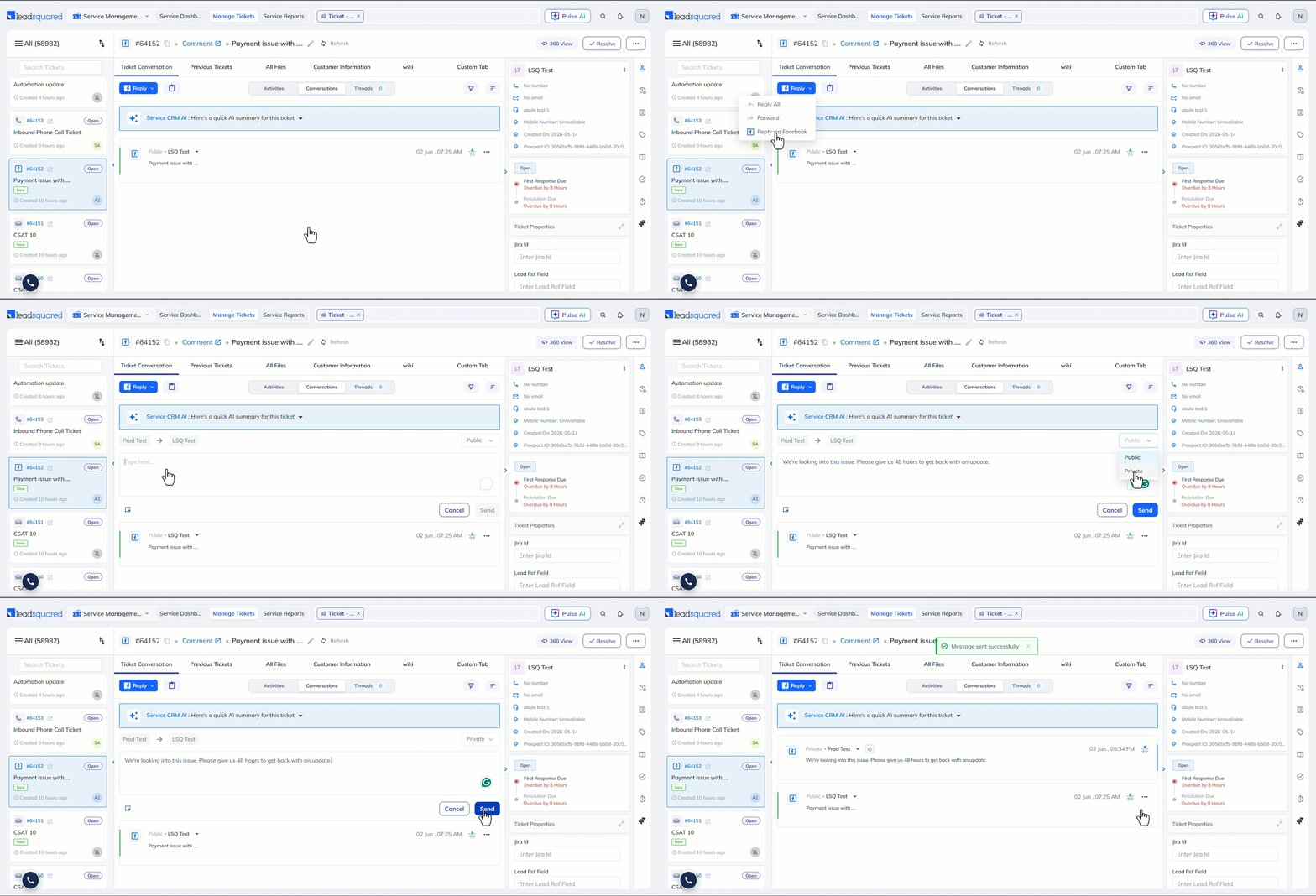
For tickets created through Facebook and Instagram, you can directly reply to DMs and comments from the Ticket Details page in LeadSquared. You can choose to send the reply publicly, which posts it as a comment in response to the customer’s grievance, or send it privately, which goes to the customer as a DM. This helps agents manage social media conversations from within LeadSquared.
Smart Replies Across More Channels
Previously, Smart Reply was available only on tickets created through email. Now, it is available on tickets created through any channel, including manually created tickets. This helps agents respond faster with AI-generated suggestions regardless of the ticket source.
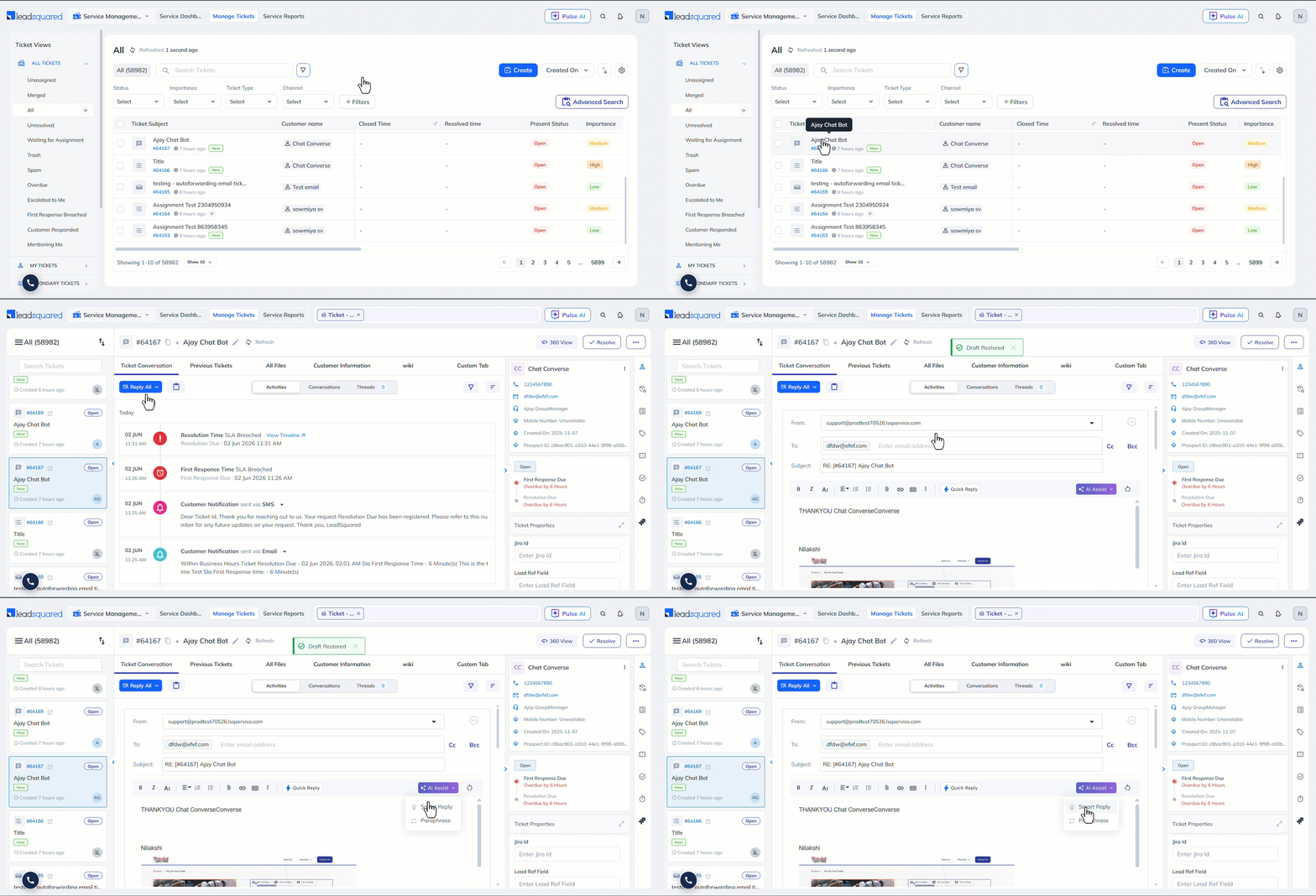
Automatic Draft Saving for Ticket Replies
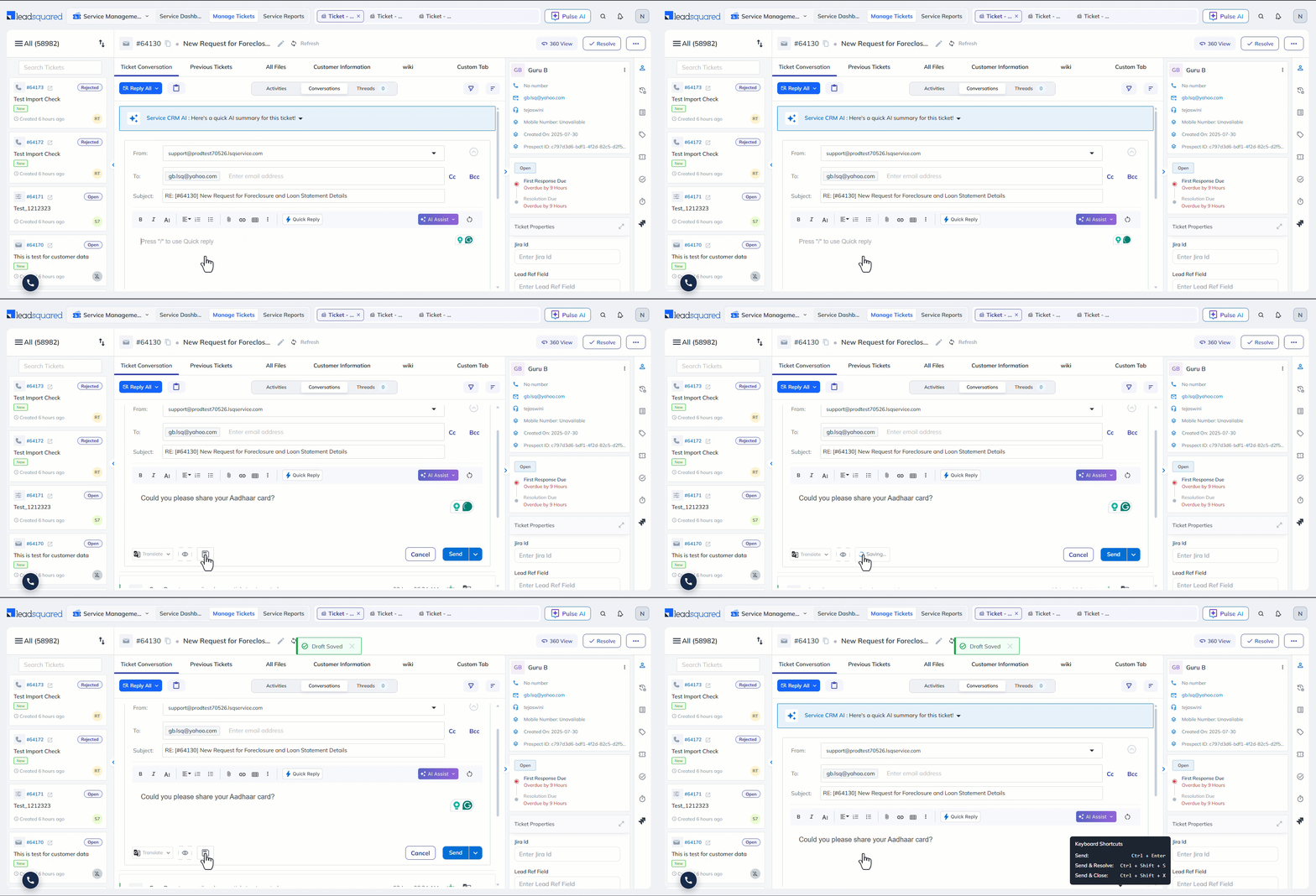
Replies on the Ticket Details page now save automatically as drafts every 5 seconds. We’ve also introduced a manual Save button for drafts. This helps prevent work loss and lets agents resume responses seamlessly.