
New version of LSQ mobile app is available in Play Store
- Android app now supports custom fields in custom fields in custom activities
- Under activity details only those fields which are filled while saving the activity will be visible
Note:
- In case of sync errors user will not be allowed to edit notable activities.
- Custom fields of those notable activities created online will not be visible while user is offline.
- Users can now turn off the add lead popup for unknown numbers
- With new update add lead popup by default will be disabled, user must navigate to settings to enable it
- Settings >> Call log >> Identify unknown number
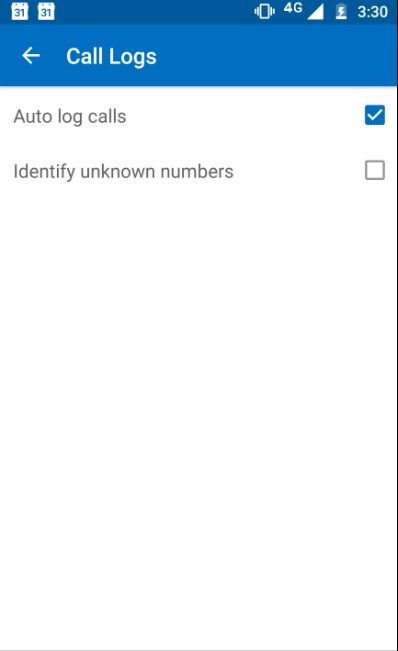
Note: User will continue to get lead identification popup even if add lead popup is disabled.





