Task Completion Offline
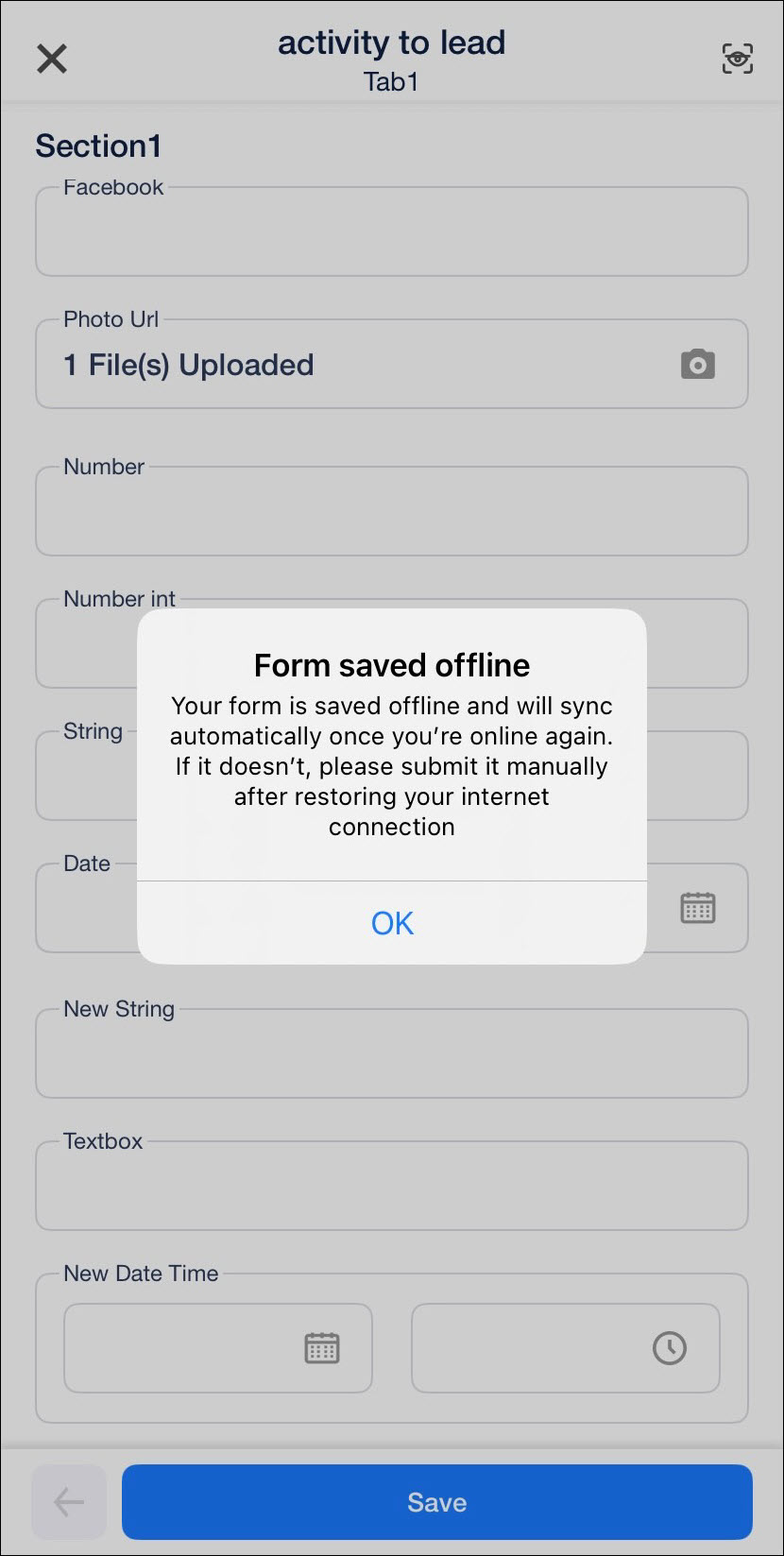
Ensure tasks don’t remain pending just because users are in remote or low-connectivity areas. Field users can now complete tasks (including form submission) even without an internet connection and all data will automatically sync once the connection is restored.
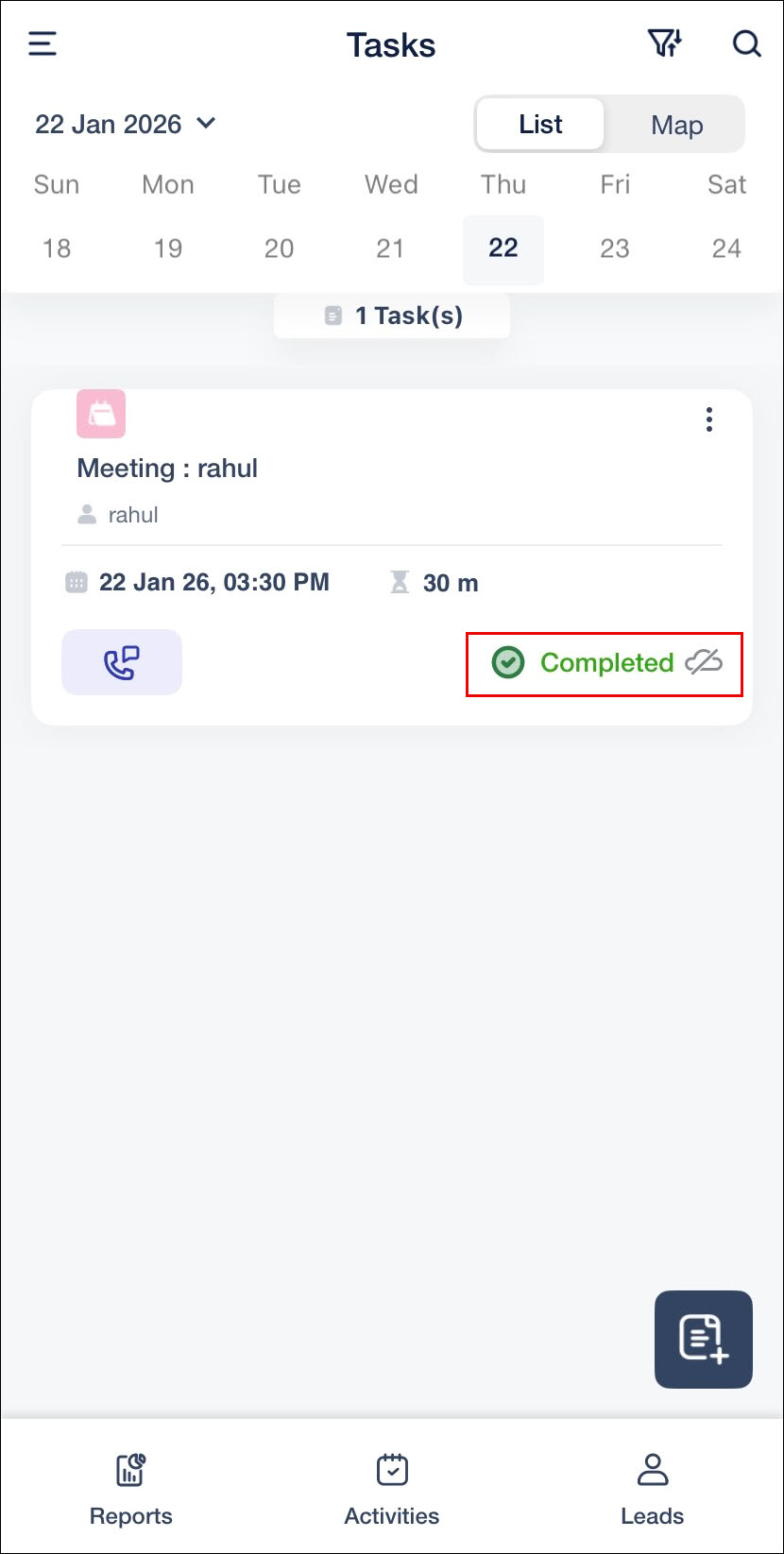
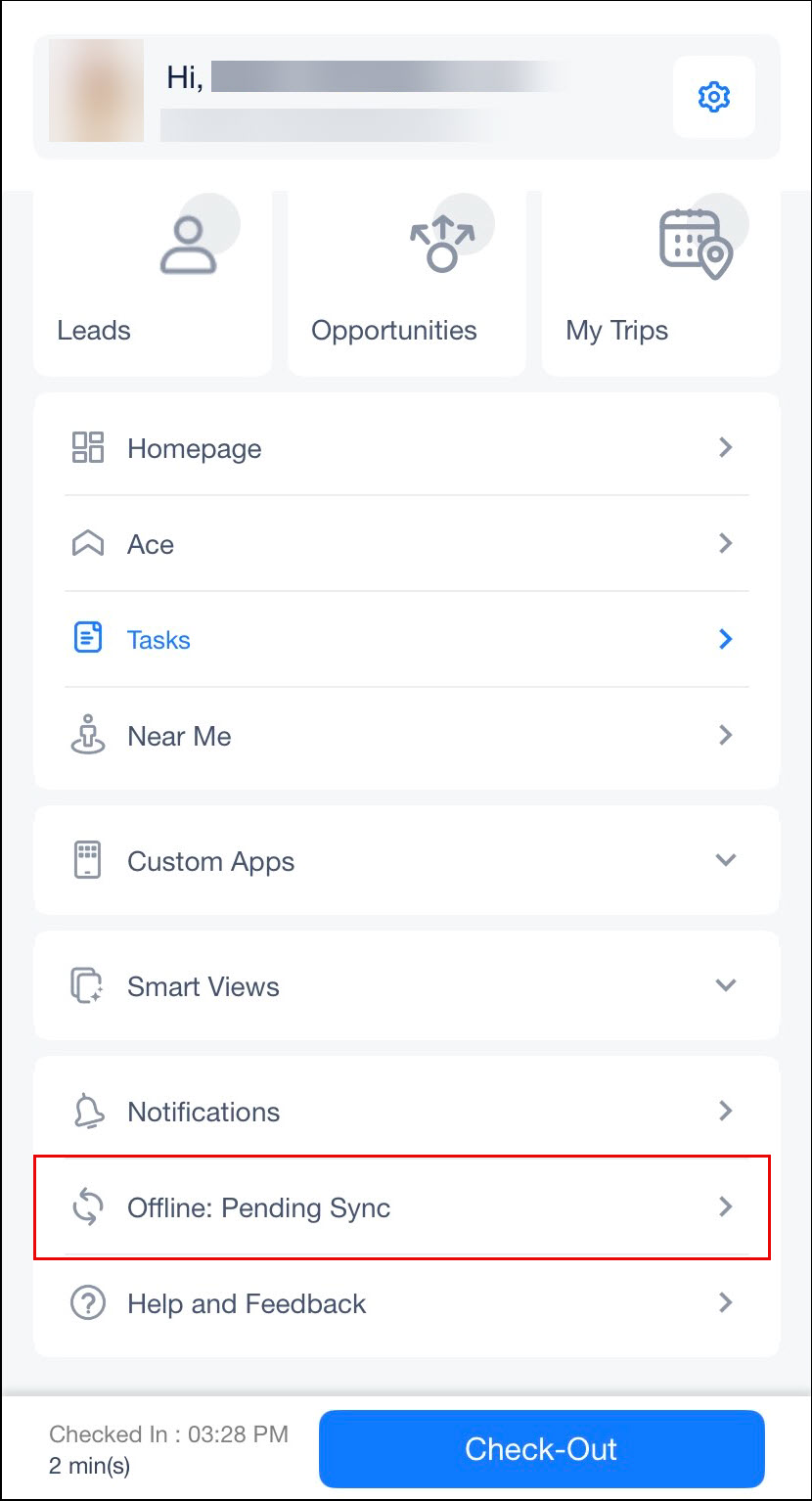
Offline-completed tasks appear as Completed (Offline) and are listed under Offline Pending Sync in the side menu. If a sync error occurs, the task remains incomplete, allowing users to fix the issue and resubmit the form. When completing the same task again, an Offline Form Found prompt lets users continue with the existing form or create a new one.
To learn more, see Complete Tasks Offline on the LeadSquared Mobile App.
Auto-Sync for Offline Dynamic Forms
Auto-sync for Offline Dynamic Forms ensures forms don’t remain out of sync due to oversight. Offline-saved forms now sync automatically once internet connectivity is restored, eliminating the need for manual submission in most cases and ensuring faster, more reliable data capture.
Auto-sync applies to dynamic forms that do not have Pre-submission LAPP configured or multi-level form triggers on submission. This includes offline forms saved from Add Lead, Add Opportunity, and Task Completion flows.
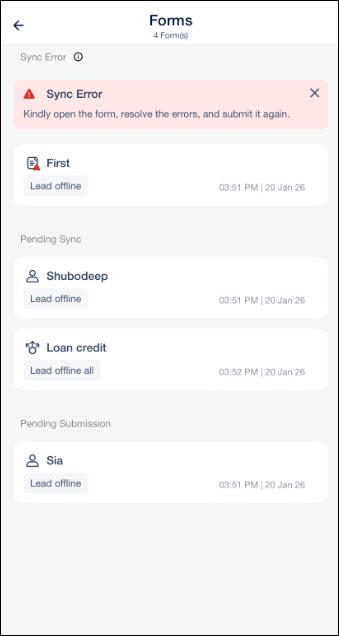
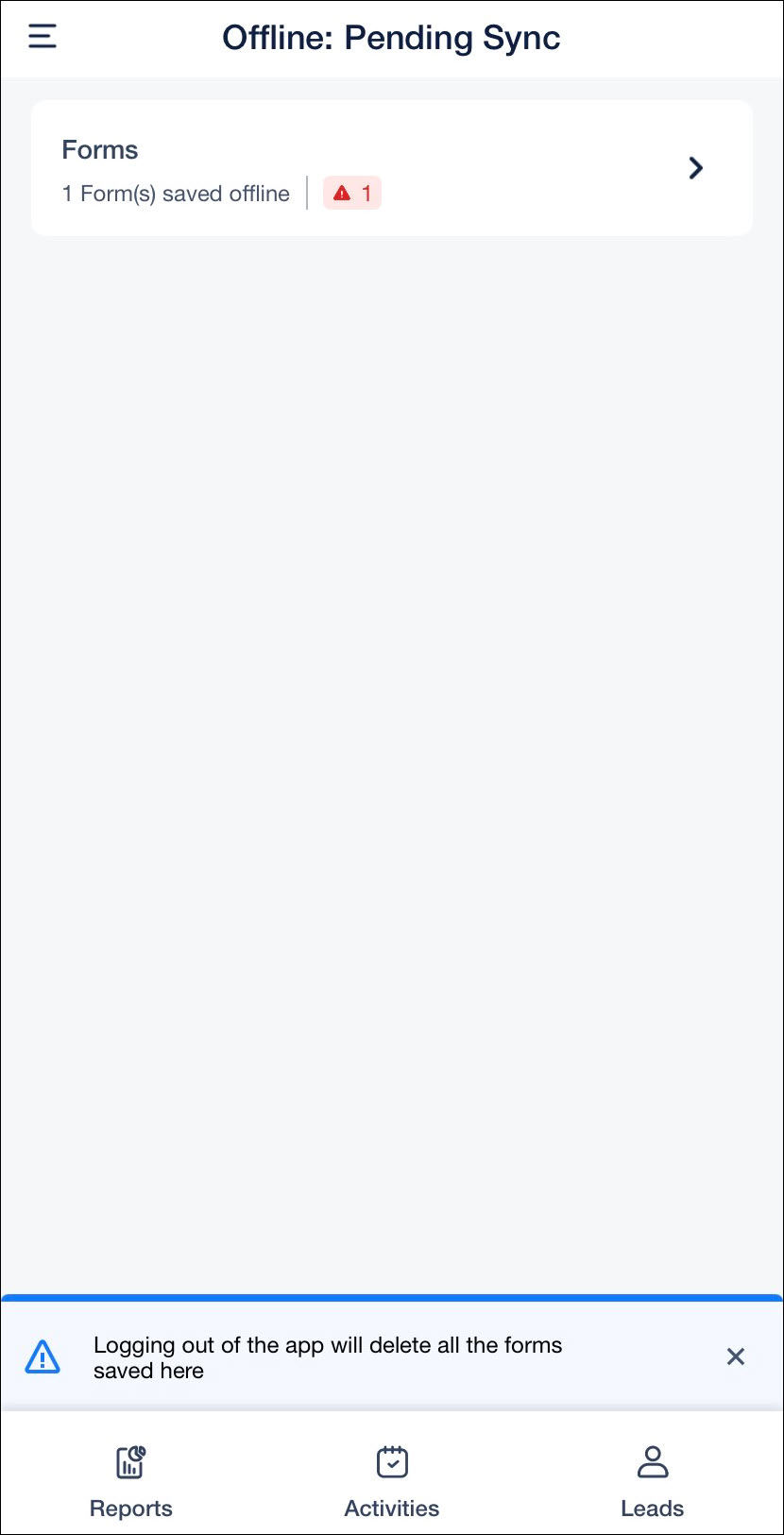
If a form fails to sync due to validation errors, form changes, or newly added mandatory fields, it is moved to the Sync Error section. Users can open the form, fix the issue, and submit it manually.
Offline forms are now organized into the following sections:
- Pending Sync – Forms eligible for automatic sync
- Pending Submission – Forms that are not eligible for auto-sync and requires manual submission
- Sync Error – Forms that failed auto-sync
On iOS, offline forms automatically attempt to sync when the app is relaunched or when the device regains internet connectivity.