


Get Started

Sales Suite
Field Ops
Marketing
Service CRM
Integrations & Apps
FloStack
Why can I see a sales user under the Modified By column in the Opportunity Settings Page?

Updated
24 May 2024 | 04:20 PM
Only admins can access the Opportunity Types Configuration page. However there are instances when sales users appear under the Modified By column on the Opportunity settings page –
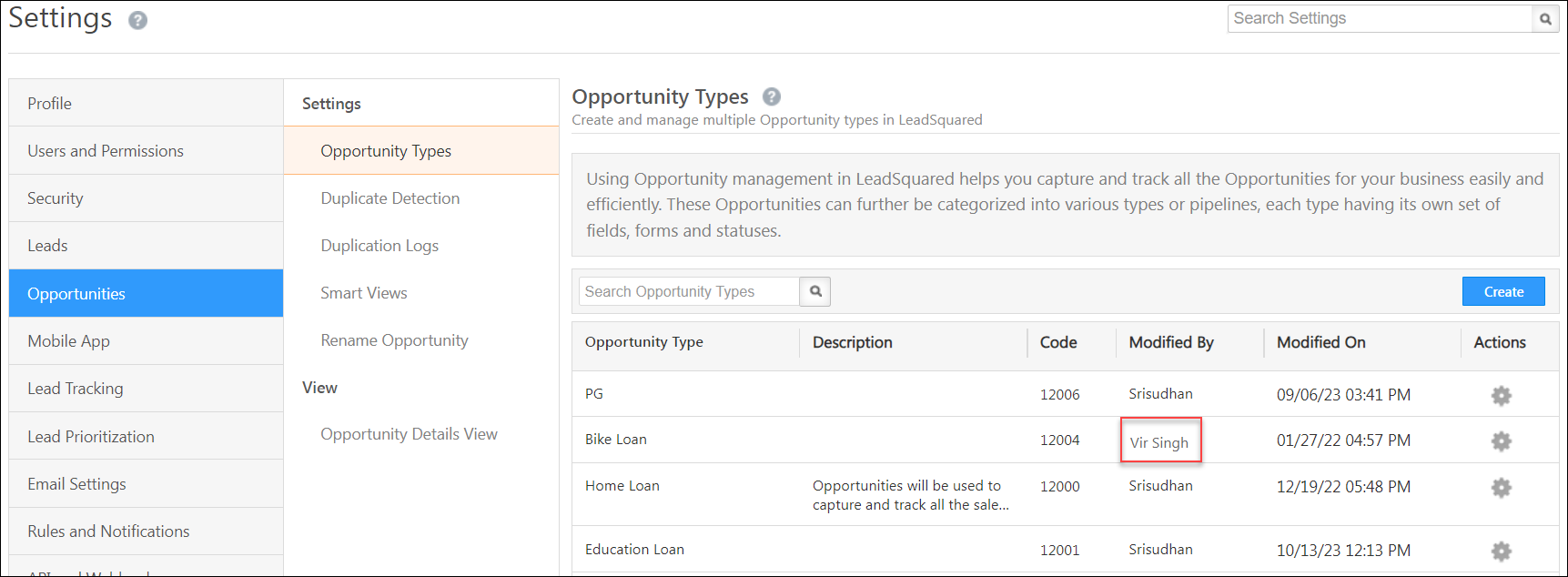
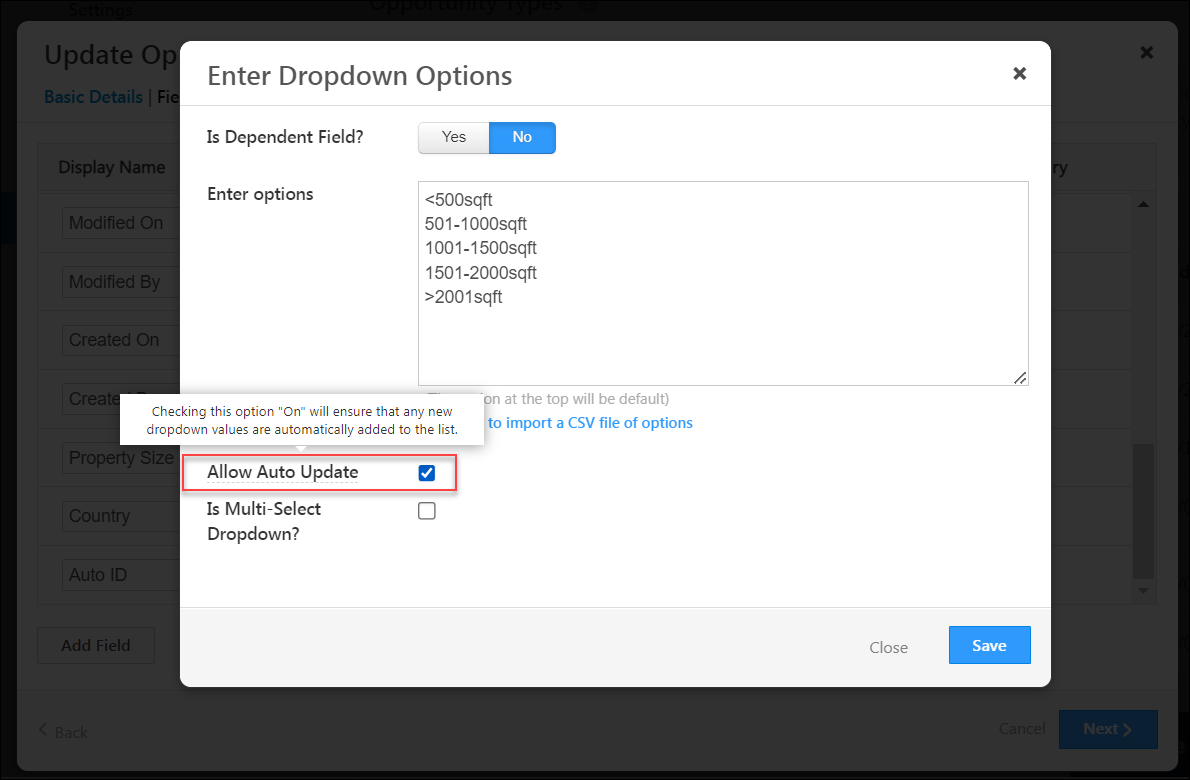
This occurs when the allow auto update setting is enabled for a drop-down field within an Opportunity Type.
With the Allow Auto Update setting enabled, when a sales user enters a new value/option while filling the drop down field (through a form, opportunity import or API call), the opportunity type is modified and the user’s name appears under the Modified By column on the Opportunity Settings page.
Subscribe
0 Comments
Newest