


Get Started

Sales Suite
Field Ops
Marketing
Service CRM
Integrations & Apps
FloStack
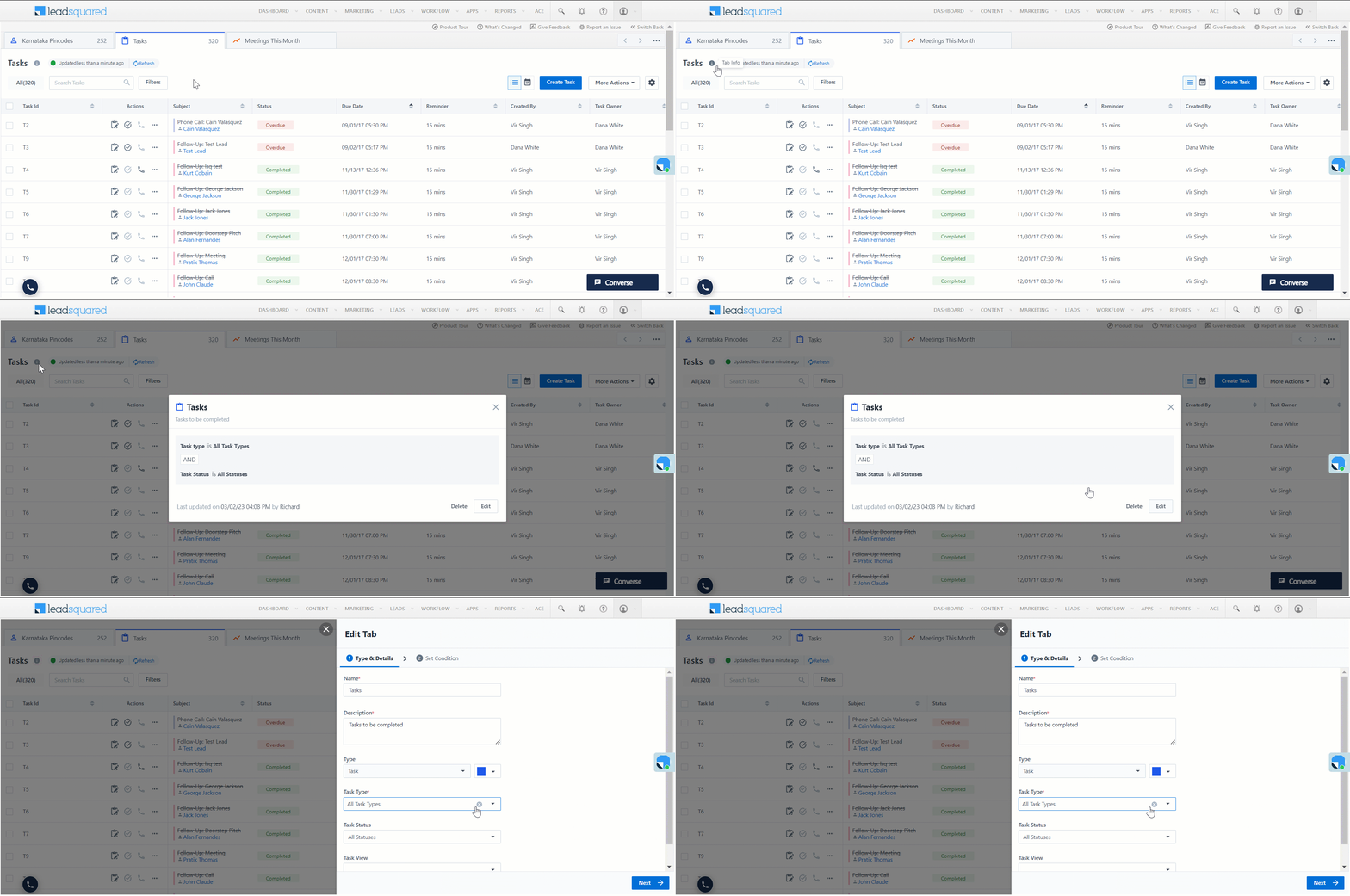
How do I access tab details in the new Smart Views UI?

Updated
24 May 2024 | 03:31 PM
In the new UI, tab details have been relocated.
- To view the tab details, alongside the tab name, click
 .
. - You can also delete or edit the tab details on the Tab info pop-up.
Subscribe
0 Comments
Newest