


Get Started

Sales Suite
Field Ops
Marketing
Service CRM
Integrations & Apps
FloStack
Some Activities on a Lead Are Not Visible in the Activity History Page. Why Is This Happening?

Updated
03 Jun 2024 | 05:03 PM
This issue might be caused by filters applied on the Activity History page, a delay in syncing, or permissions settings.
Try adding “&showahv1” to the URL. Alternatively, enable all activities from the filter on the Activity History page.
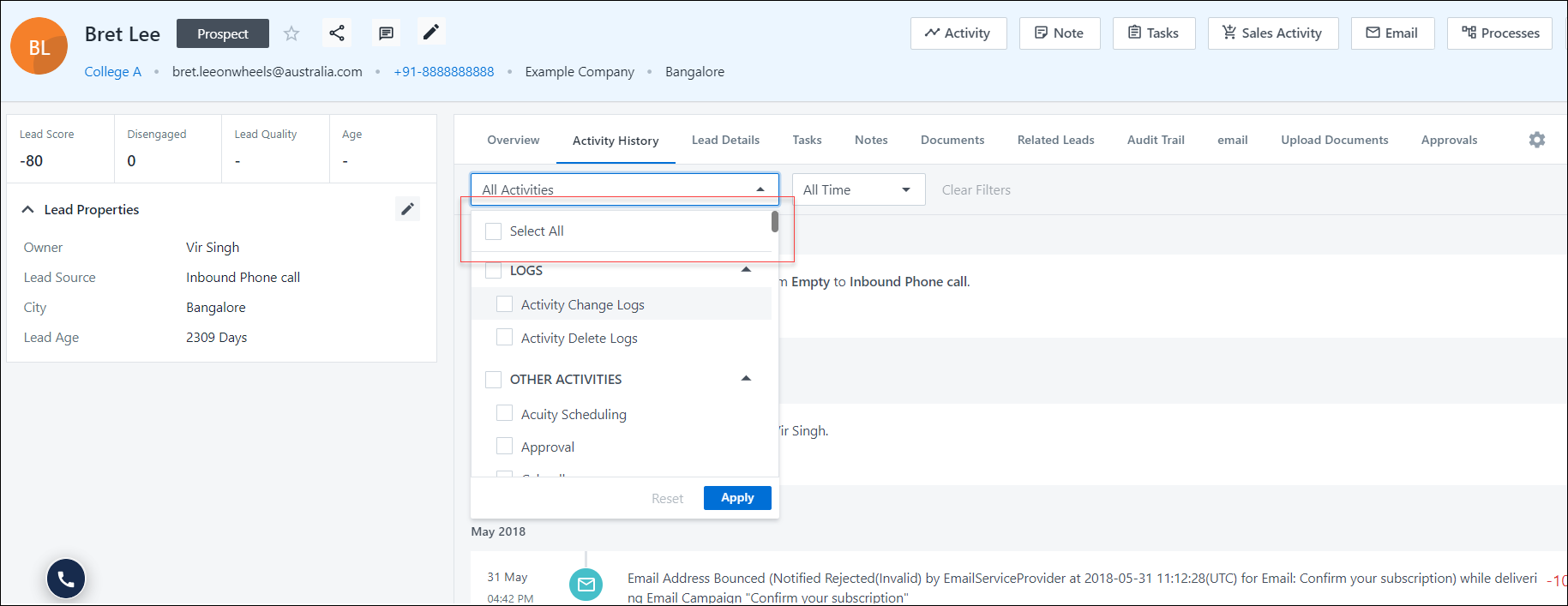
Check the permission templates to ensure activities are not hidden from users.
If you’re still unable to see the activities, contact us at support@leadsquared.com. For more details on activities, see Activity Management – Feature Guide.
Subscribe
0 Comments
Newest