LeadSquared Mobile App Updates – Android (v10.1)
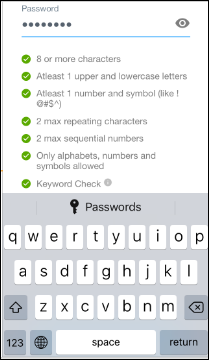
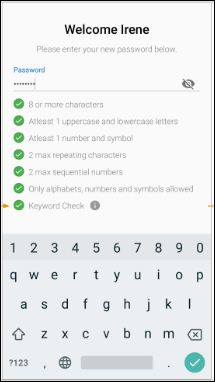
The latest updates for our app, which is available on the Google PlayStore. 1. Configure Passwords on Mobile New Users – No password has been set When…
The latest updates for our app, which is available on the Apple AppStore. 1. Configure Passwords on Mobile For new users who have not set their password –…
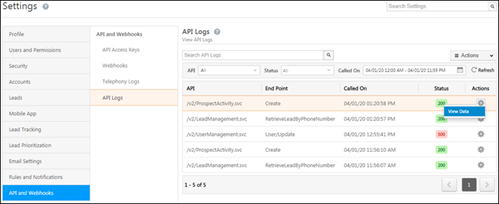
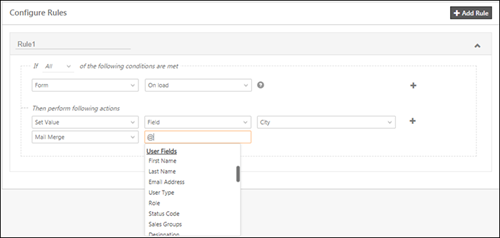
In this update, we’ve enhanced automation, forms and processes, introduced a UI for API logs and added some new languages for the LeadSquared web application. 1. API Logs…
We’ve added a new security setting, enhanced dynamic forms with a custom success message and made some changes across tasks, telephony and lead import. 1. Force Logout All…
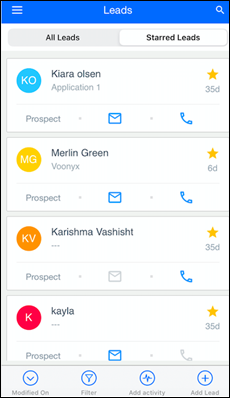
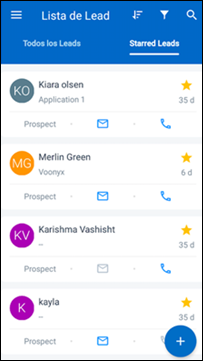
We’re out with new updates on the iOS app – 1. Lead Card Customization Now customize the lead card to show fields your end users want to see.…
We’re out with new updates on Android – 1. Lead Card Customization Now customize the lead card to show fields your end users want to see. For…
Here’s the latest in LeadSquared – 1. Mobile Security You can now enable an additional layer of security on your mobile app. When you enable this feature, you…
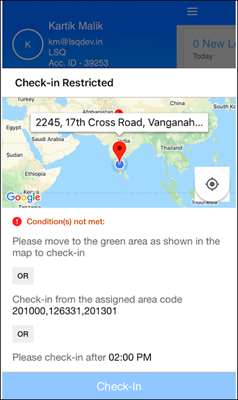
Here’s what’s new on LeadSquared for iOS – 1. Check-in/Check-out Restrictions Set location and time restrictions for checking-in/out from mobile. For example, you can – Configure a geo-fence…
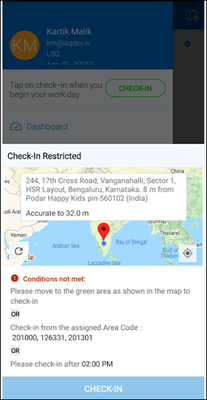
Here’s what’s new on LeadSquared for Android – 1. Check-in/Check-out Restrictions Set location and time restrictions for checking-in/out from mobile. For example, you can – Configure a…
Here’s what’s new – Import Users through CSV You can now create and update users through CSV. For detailed instructions, see Managing Users through CSV Imports. …
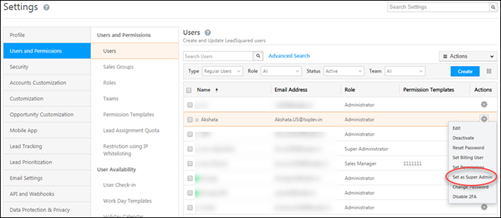
We’ve introduced a new super admin user role, a UI to view user hierarchies, allowed admins to mandate two-factor authentication at the account level and released a password…
Here’s what’s new on the iOS app – 1. It’s now possible to hide default forms on the Lead Details>Activity History screen. So if you’ve configured a process on the…
Here’s what’s new on the LeadSquared Android app – 1. It’s now possible to hide default forms on the Lead Details>Activity History screen. So if you’ve configured a…
Here are the latest updates on the LeadSquared iOS app – iOS v7.7 Location Tracking and Check-in The location tracking and check-in features are now independent. Location…
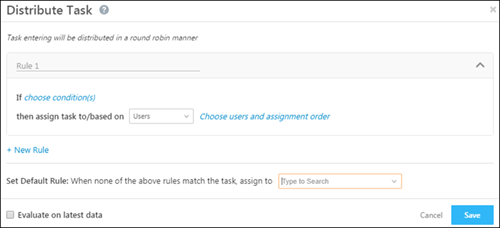
We’re out with more enhancements across key features on the web platform – Automation 1. Custom field sets are now supported in the update lead action. This…
Here are the latest updates on Android – Location Tracking and Check-in The location tracking and check-in features are now independent. All mobile users will see the…
We’ve added some neat new features to help you get the most out of LeadSquared’s Forms and Processes. Add Tasks to Forms In addition to leads and…
Throughout October, we had a series on mini-releases where we launched a bunch of new features in addition to user experience improvements and critical bug fixes. Here’s a…
Here’s the latest on the LeadSquared Android app – Lead List The lead list can now be sorted as follows – Filters options can be set as…
Here’s whats’ new on iOS – Large option sets are now supported in dynamic forms. Multi-select dropdowns, including product fields, are also supported in forms on mobile. All phone fields…
Here’s whats’ new on Android – Large option sets are now supported in dynamic forms. Multi-select dropdowns, including product fields, are also supported in forms on mobile. In…
The following Accounts and Forms based enhancements are now available on the iOS app – Accounts Now create accounts straight from the app – Map leads to…
We’ve made enhancements on the mobile app to accommodate more accounts and dynamic forms based features. Accounts Now create accounts directly from the LeadSquared app – You…
We’re out with our latest release for the LeadSquared web platform. Here are some highlights – New automation conditions and actions Now run automation on static lists Processes…