Enhancements in Portals, Automation and More…
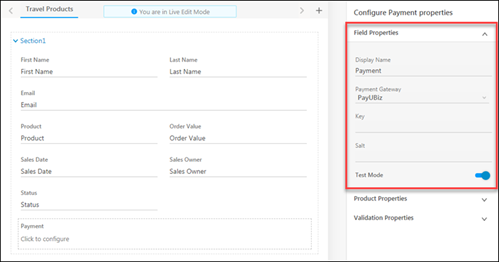
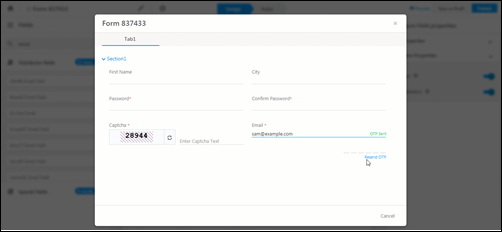
We’ve released a number of enhancements across Portals, Forms & Processes, Automation, and more… 1. Portals and Forms & Processes 1. Forms can be used to create…
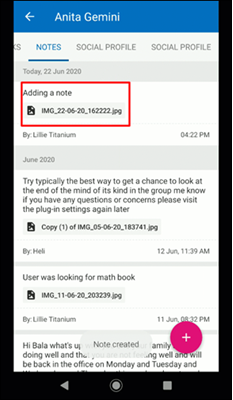
The latest updates for our app, which is available on the Google PlayStore. 1. Lead Notes You can now add, edit and delete notes owned under Lead Details. …
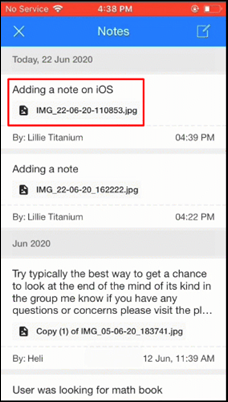
The latest updates for our app, which is available on the Apple AppStore. 1. Lead Notes You can now add, edit and delete notes owned under Lead Details. …
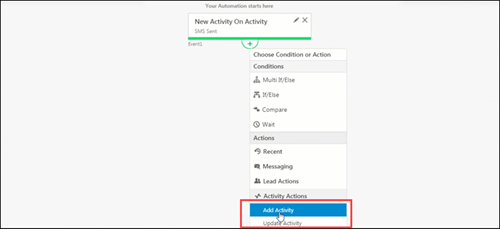
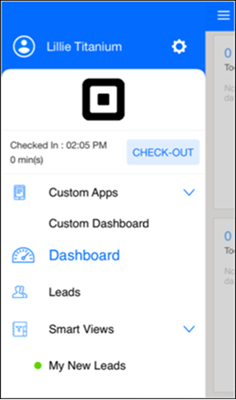
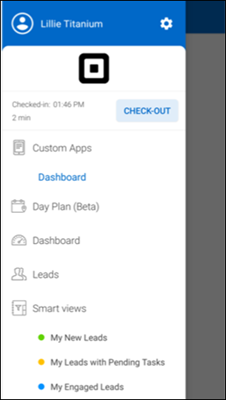
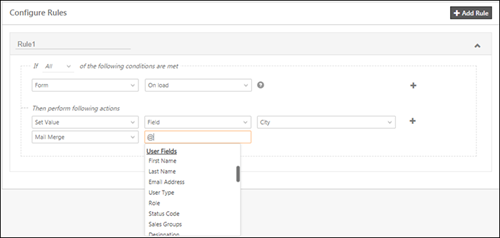
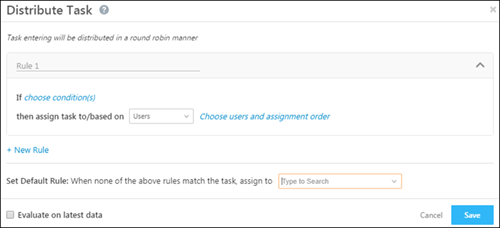
In this update, we’ve enhanced automations, improved User Check-In/Check-Out, and the view on the Lead Details page. 1. Automations A new Activity Trigger is added – New…
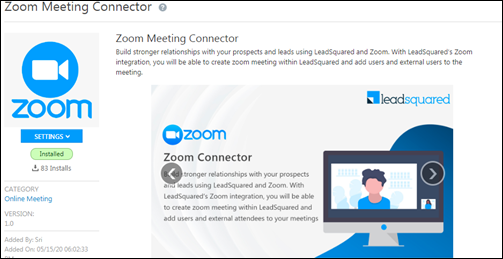
We’ve released a new connector to enable scheduling Zoom calls right from LeadSquared. Also, we’ve built a custom user actions connector where you can configure new actions on…
The latest updates for our app, which is available on the Apple AppStore. 1. App Launch Time Optimization The time required to launch and open the App has…
The latest updates for our app, which is available on the Google PlayStore. 1. App Launch Time Optimization The time required to launch and open the App has…
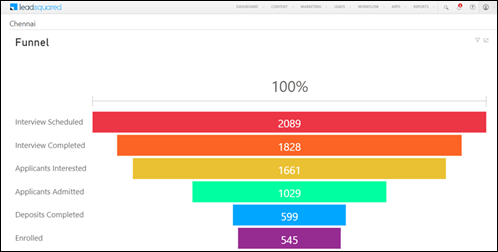
With this update, you can create custom dashboards in LeadSquared. We’ve also enhanced automation and lead management. 1. Dashboard LeadSquared Administrators can now create custom dashboards using external…
The latest updates for our app, which is available on the Apple AppStore. 1. Cloud Calling The Cloud Calling app enables you to make calls to leads over the…
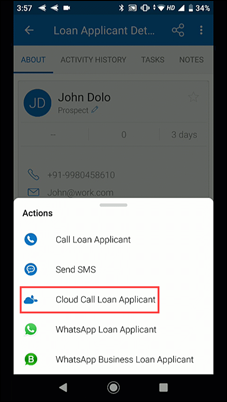
The latest updates for our app, which is available on the Google PlayStore. 1. Cloud Calling The Cloud Calling app enables you to make calls to leads over the…
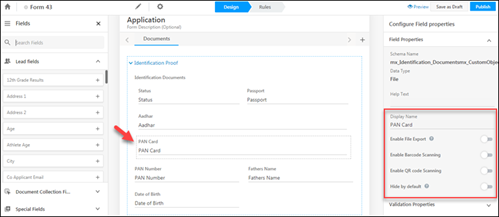
In this update, we’ve enhanced activities, forms and processes, landing pages, webhooks and added a new language for the LeadSquared web application. 1. Forms & Processes OCR, QR…
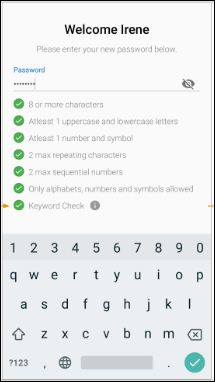
The latest updates for our app, which is available on the Google PlayStore. 1. Configure Passwords on Mobile New Users – No password has been set When…
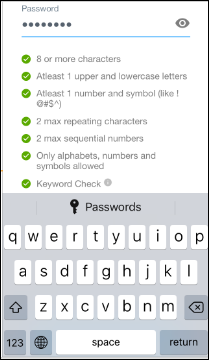
The latest updates for our app, which is available on the Apple AppStore. 1. Configure Passwords on Mobile For new users who have not set their password –…
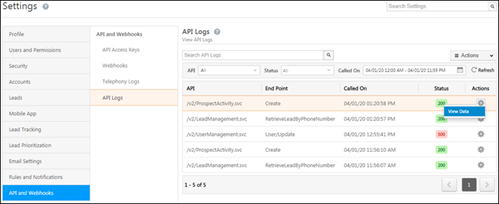
In this update, we’ve enhanced automation, forms and processes, introduced a UI for API logs and added some new languages for the LeadSquared web application. 1. API Logs…
We’ve added a new security setting, enhanced dynamic forms with a custom success message and made some changes across tasks, telephony and lead import. 1. Force Logout All…
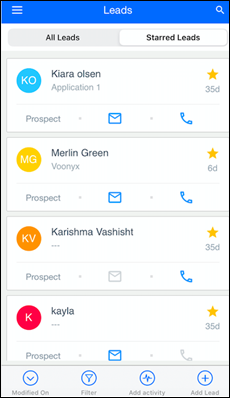
We’re out with new updates on the iOS app – 1. Lead Card Customization Now customize the lead card to show fields your end users want to see.…
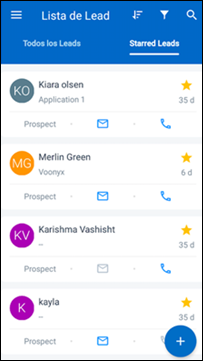
We’re out with new updates on Android – 1. Lead Card Customization Now customize the lead card to show fields your end users want to see. For…
Here’s the latest in LeadSquared – 1. Mobile Security You can now enable an additional layer of security on your mobile app. When you enable this feature, you…
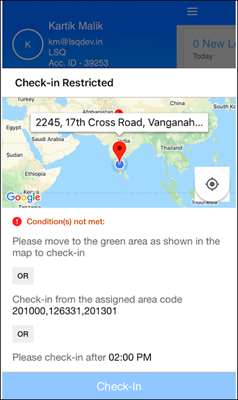
Here’s what’s new on LeadSquared for iOS – 1. Check-in/Check-out Restrictions Set location and time restrictions for checking-in/out from mobile. For example, you can – Configure a geo-fence…
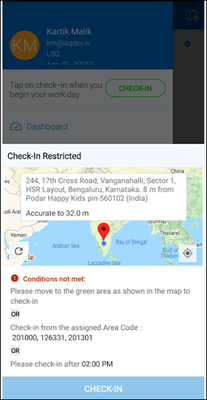
Here’s what’s new on LeadSquared for Android – 1. Check-in/Check-out Restrictions Set location and time restrictions for checking-in/out from mobile. For example, you can – Configure a…
Here’s what’s new – Import Users through CSV You can now create and update users through CSV. For detailed instructions, see Managing Users through CSV Imports. …
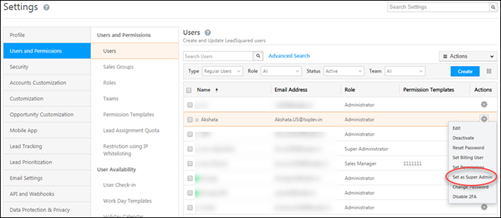
We’ve introduced a new super admin user role, a UI to view user hierarchies, allowed admins to mandate two-factor authentication at the account level and released a password…
Here’s what’s new on the iOS app – 1. It’s now possible to hide default forms on the Lead Details>Activity History screen. So if you’ve configured a process on the…
Here’s what’s new on the LeadSquared Android app – 1. It’s now possible to hide default forms on the Lead Details>Activity History screen. So if you’ve configured a…